Robot Kits
Robot kits teach building and coding with real hardware. Start with a solar or STEM kit, move up to a programmable robot car for Arduino, Raspberry Pi or ROS2, or build a drawing robot. Every page says what’s in the box and what you need to add.
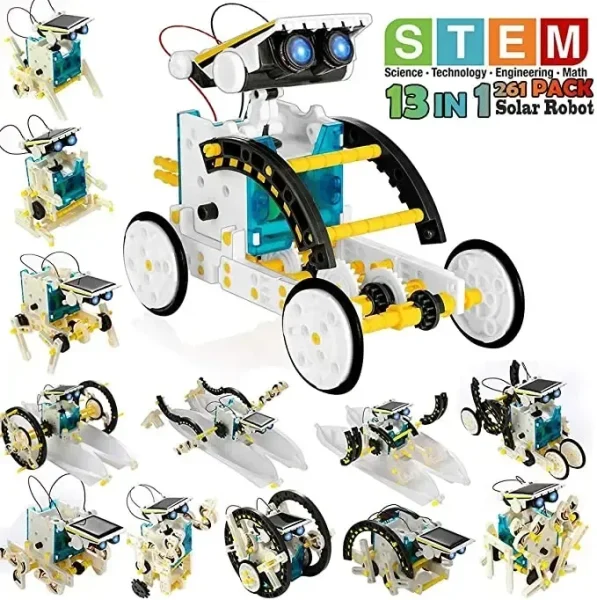
13-in-1 Solar Robot Kit for Kids, No Batteries Needed
Build 13 different robot designs from one kit
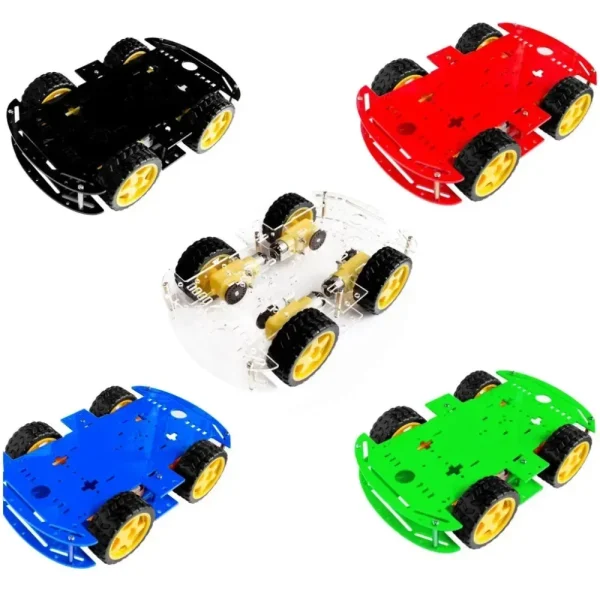
4WD Robot Car Chassis Kit with Speed Encoder and Battery Box
Four gear motors, one per wheel, for four-wheel drive
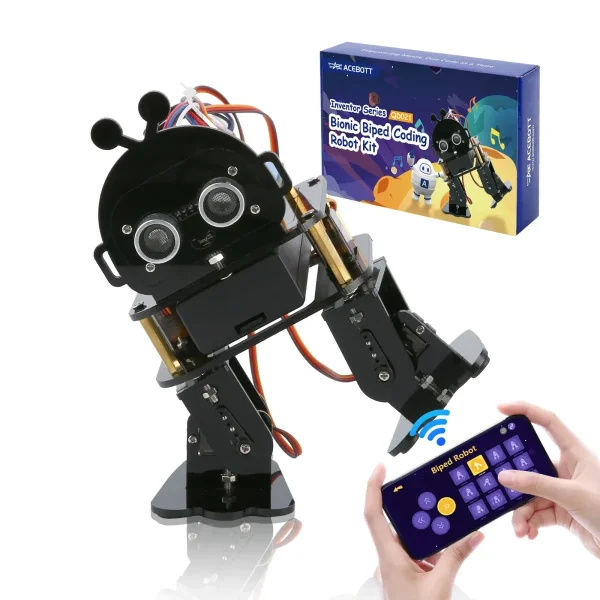
ACEBOTT Biped Robot Kit with ESP32, App and Block Coding
Two-legged robot with four MG90 metal-gear servos
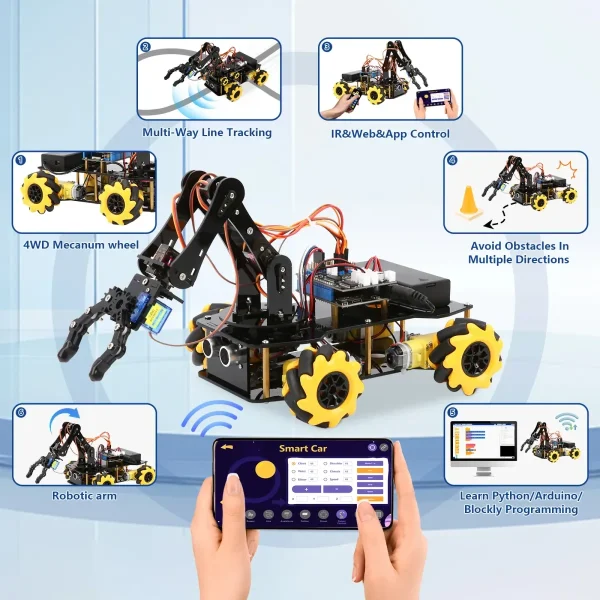
ACEBOTT ESP32 Robot Arm Car Kit, 5-DOF Arm, Mecanum Wheels
4WD car on mecanum wheels with a 5-DOF robotic arm and claw
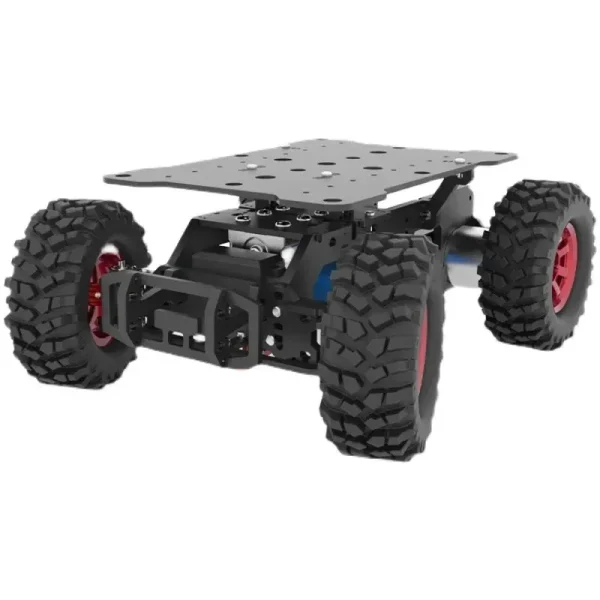
DIY Ackermann Robot Car Chassis Kit with Motor for ROS Builds
Ackermann steering on a front axle with bearings
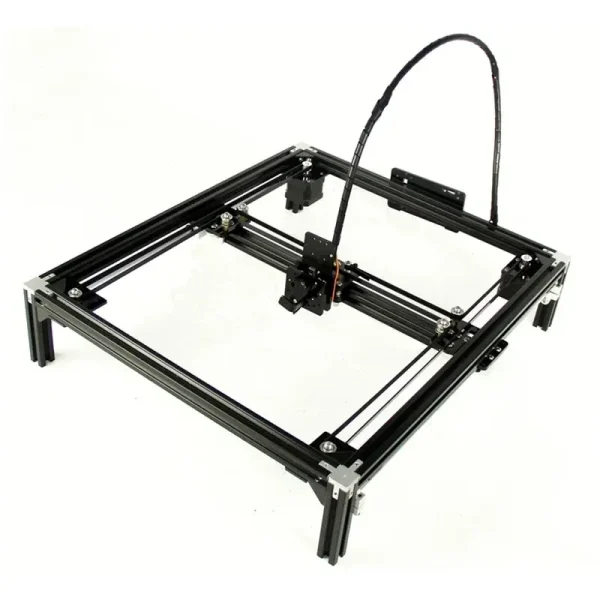
DIY CoreXY Drawing Robot Kit, Pen Plotter with GRBL Controller
Draws and writes across 11.7 x 8.3 in (297 x 210 mm), the size of an A4 sheet
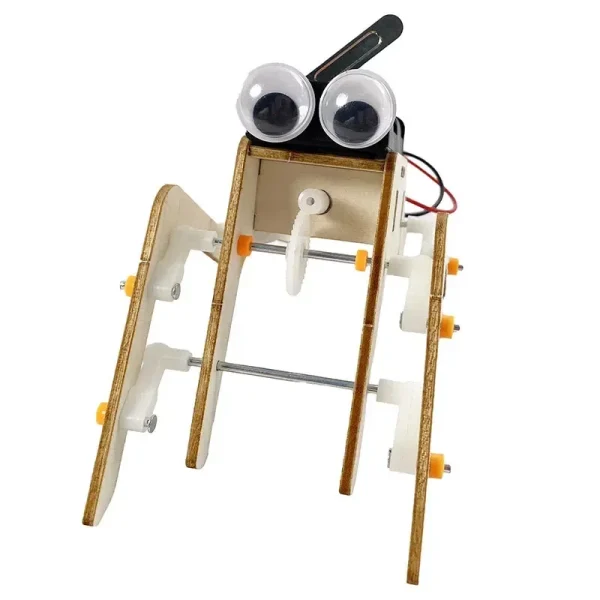
DIY Wooden Walking Spider Robot Kit
Build a walking bionic spider from laser-cut wooden parts
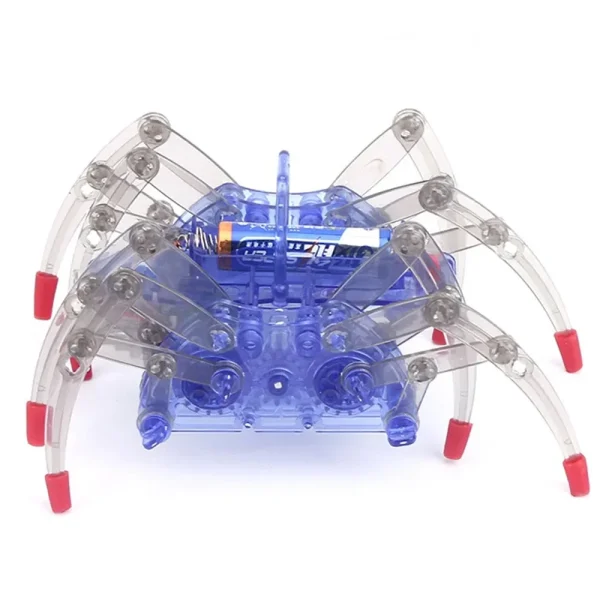
Electric Spider Robot Kit with Two Walking Modes
Build an eight-legged electric spider from a parts kit
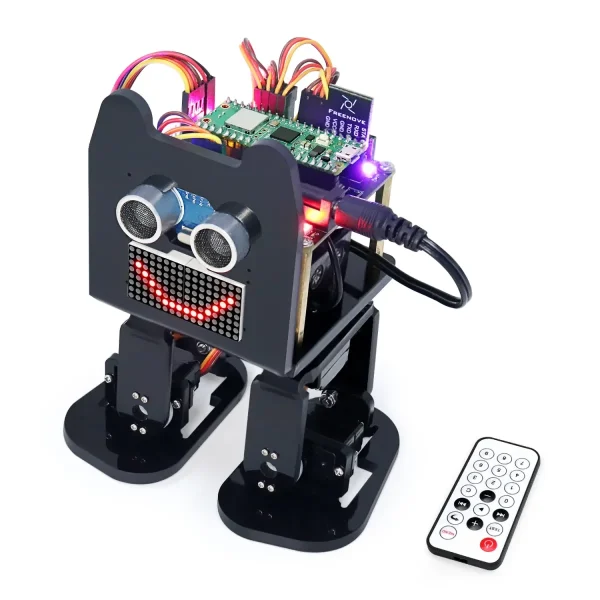
Freenove Bipedal Robot Kit for Raspberry Pi Pico, LED Matrix and App
Two-legged robot driven by four servos; you assemble it yourself
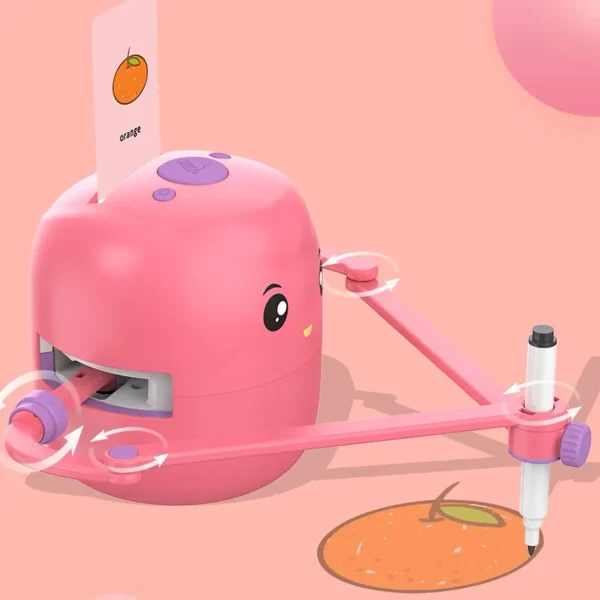
Interactive Drawing Robot for Kids, 2400mAh Capacity
Slot in a picture card and the pen arm draws it
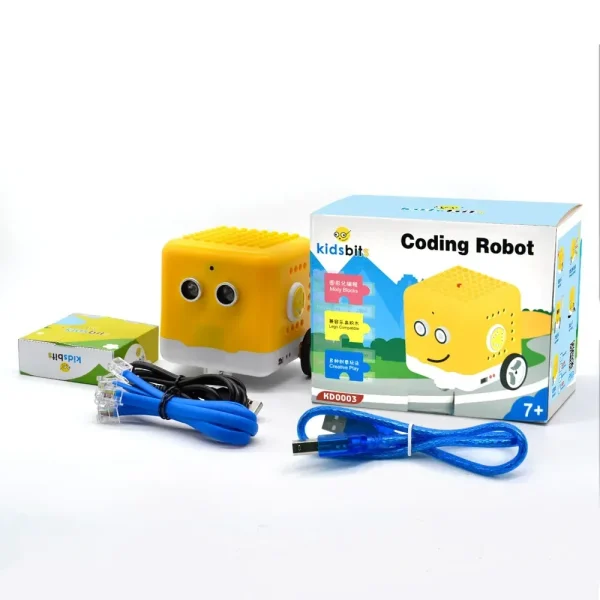
Kidsbits Coding Robot Kit with 28 Guided Projects
28 online projects: 14 graphical, 14 in C
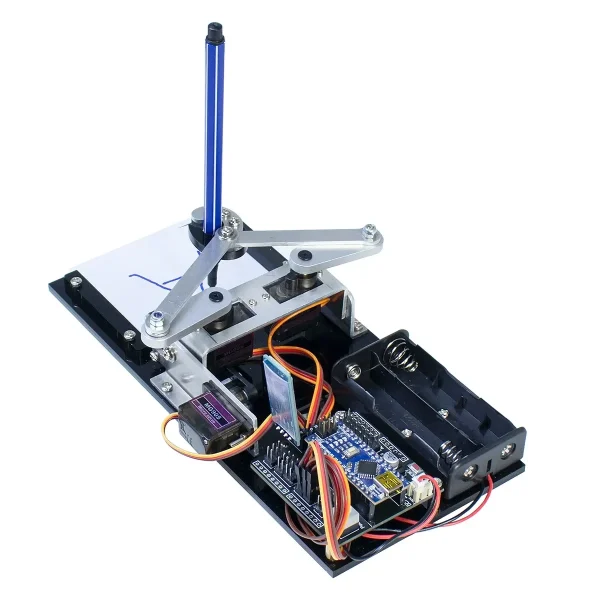
LAFVIN DIY Drawing Robot Pen Plotter Kit for Arduino Nano
Build a working pen plotter (drawbot) from a full set of parts
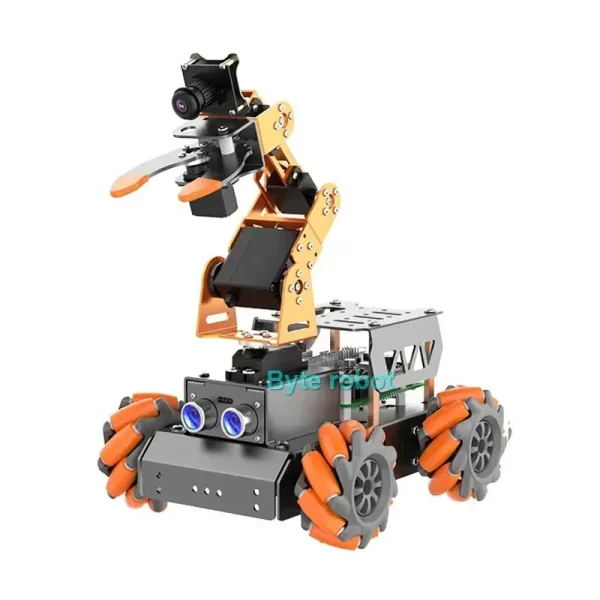
MasterPi Raspberry Pi Robot Car Kit with Arm and Mecanum Wheels
Mecanum wheels drive forward, sideways and diagonally, and spin in place
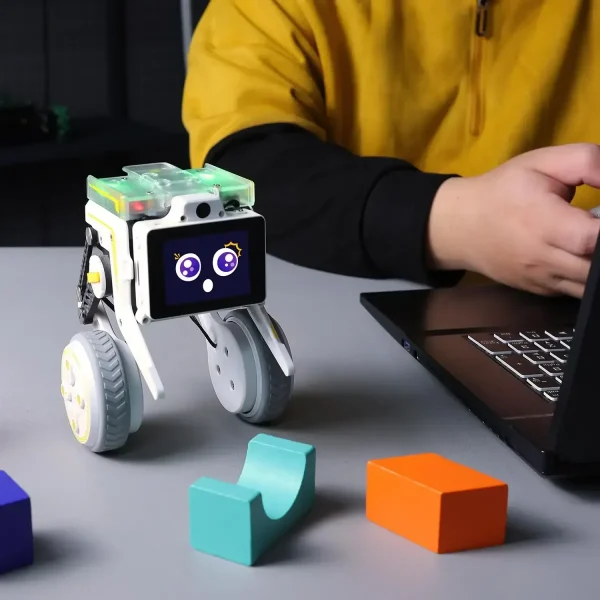
Rider-Pi Two-Wheel-Legged Robot Car, Raspberry Pi CM5
Raspberry Pi CM5 core module with 2GB memory, programmed in Python
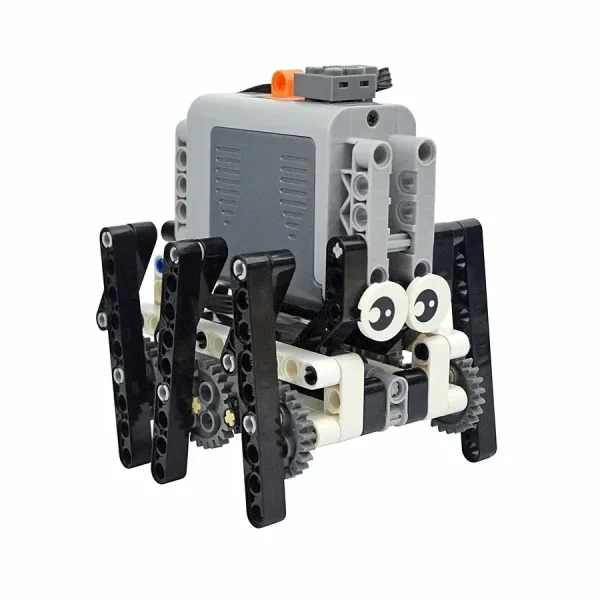
Walking Spider Robot Building Block Kit with Motor
Build a six-legged bionic spider from small plastic blocks
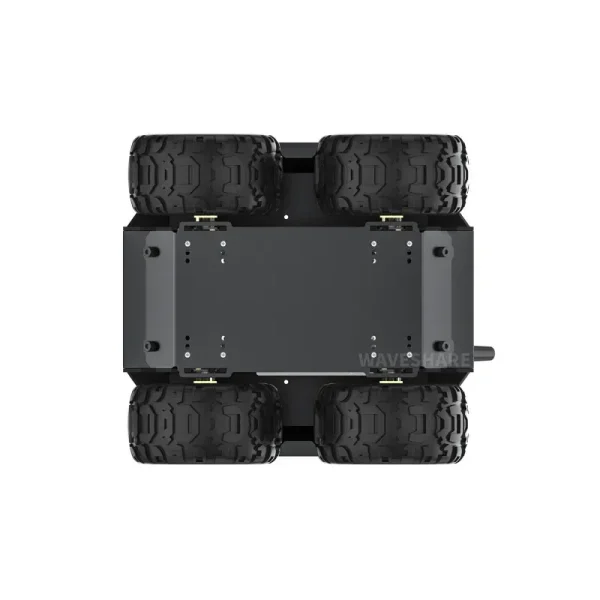
WAVE ROVER 4WD Robot Car Chassis with ESP32, Aluminum Frame
Ships assembled, with a host mounting plate and a 12.6V 2A charger
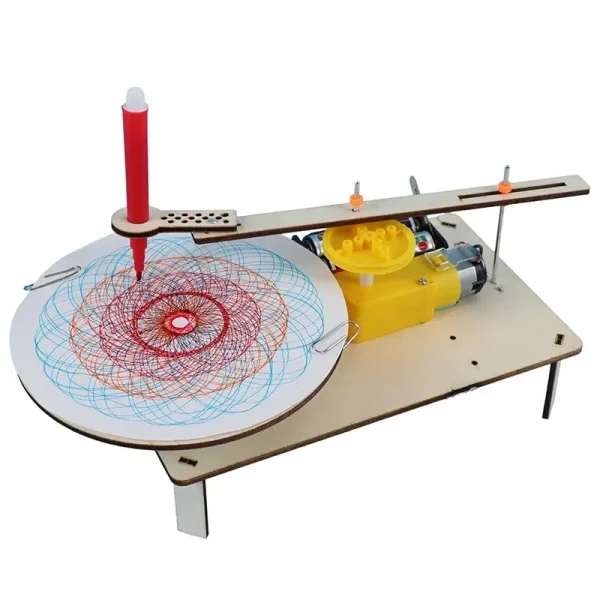
Wooden Electric Drawing Robot Kit for Hands-On STEM Building
Build a working electric plotter by hand
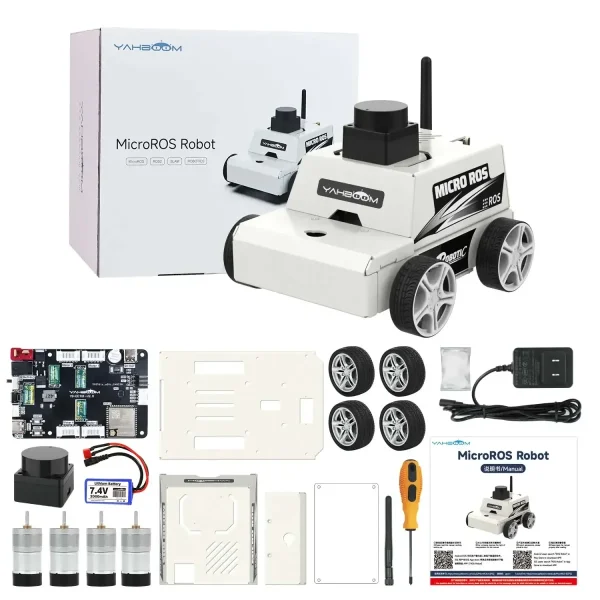
Yahboom MicroROS Robot Car with Lidar, ROS2 on a PC Virtual Machine
No onboard computer needed: ROS2 Humble runs in an Ubuntu 22.04 virtual machine on your PC
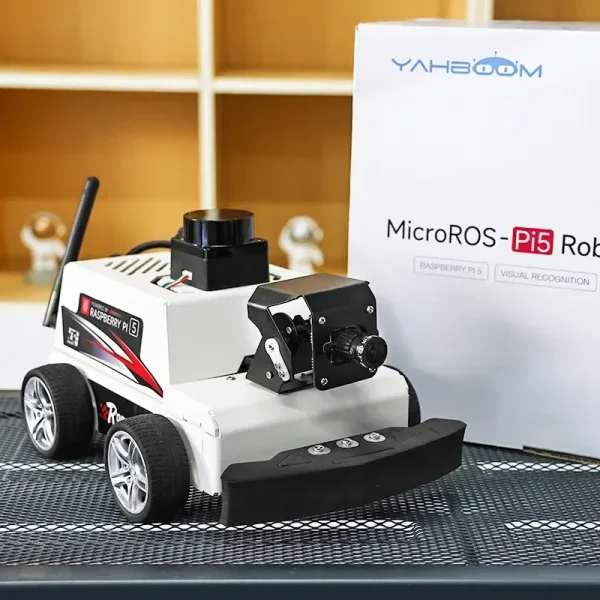
Yahboom MicroROS-Pi5 ROS2 Robot Car with Lidar for Raspberry Pi 5
MS200 360° lidar in every version, for SLAM mapping and navigation
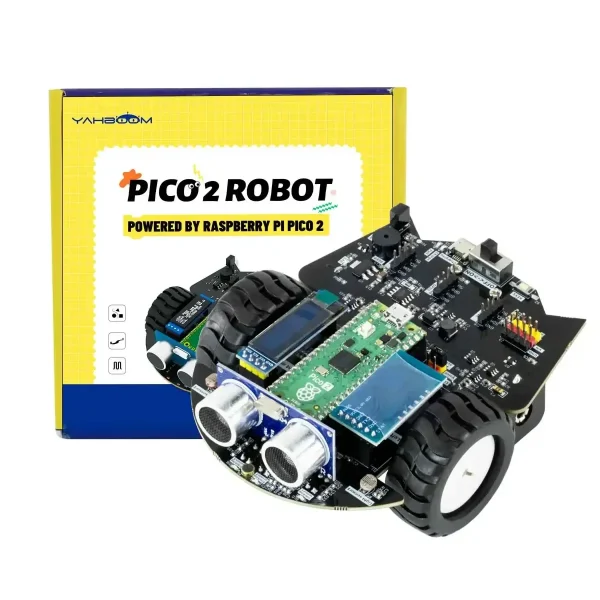
Yahboom Pico 2 Robot Car Kit for MicroPython Coding
Program in MicroPython on a Raspberry Pi Pico 2
How to choose a robot kit
Robot kits teach how machines are built and programmed. Start with the age of the builder and what you want them to learn.
What to compare
- Age: kits state a minimum age.
- Skill level: no-code, block coding or Python.
- Board: Arduino, ESP32, Raspberry Pi or Pico.
- Power: batteries included or not.
- Parts: pre-cut, wooden or metal.
Who each type suits
Younger children suit simple wooden or solar kits with no electronics. Older children and teens suit ESP32 or Arduino kits with block coding. Adults and advanced students suit ROS or Raspberry Pi kits.
Before buying, confirm what the kit needs beyond the box, such as batteries, a computer, a soldering iron or a board. Check the software requirements and whether the instructions are in English. Product pages list what each version includes.
Before you order
Think about the learner. A child who likes crafts may enjoy a wooden kit, while one who likes games may prefer a coding robot. Check that you have the tools needed, such as a small screwdriver, and clear a table for assembly. Keep small parts in a tray so nothing is lost.
Questions
What age is a robot kit for?
Each product page states an age. Simple wooden kits suit younger children; coding kits suit older ones.
Do I need to know programming?
Not for many kits. Block coding or apps are common for beginners.
How do I know what comes in the box?
Each product page lists what is in the box and what each version includes. Compare the versions before you order, because kits often differ in boards, batteries and accessories.