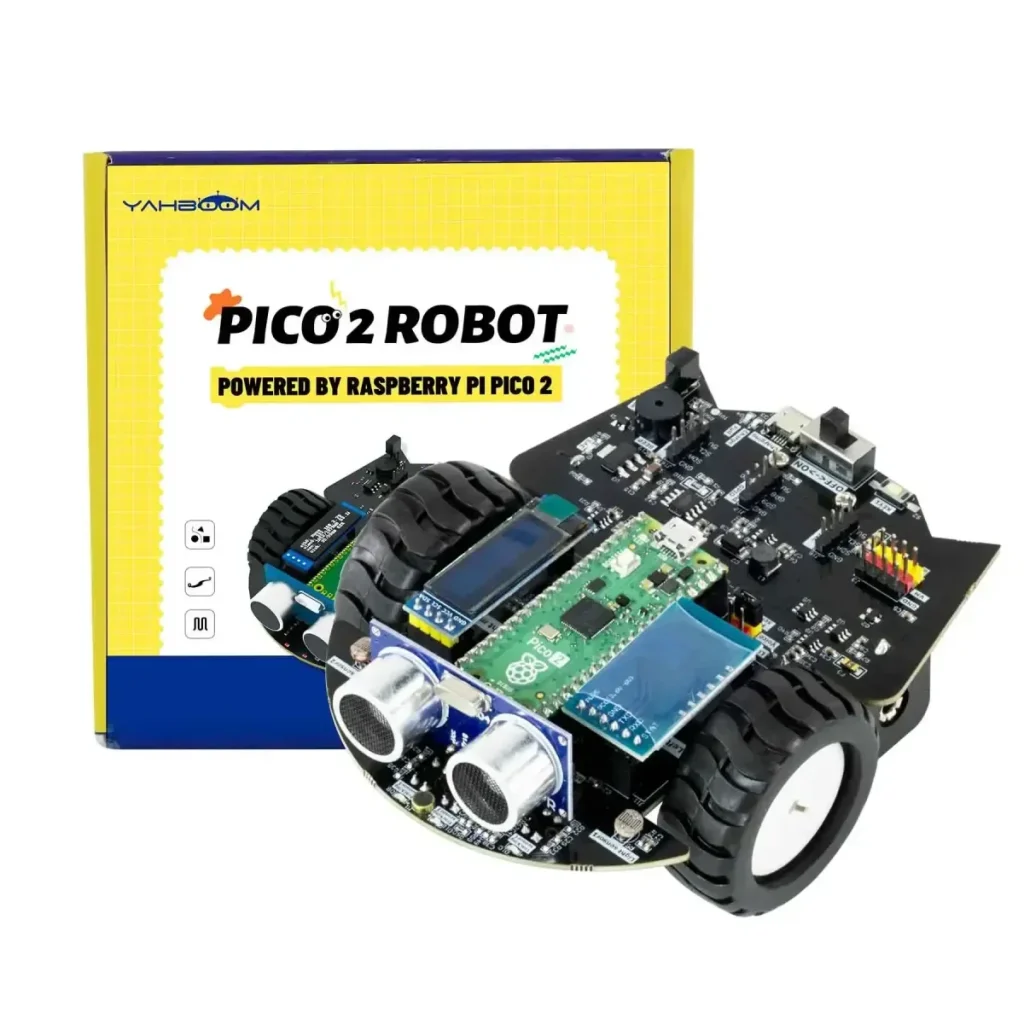
Yahboom Pico 2 Robot Car Kit for MicroPython Coding
A compact 2WD coding car for the Raspberry Pi Pico 2, programmed in MicroPython. Onboard sensors cover line tracking, obstacle avoidance, light and sound projects, with app or IR remote control.
- Program in MicroPython on a Raspberry Pi Pico 2
- Onboard ultrasonic, 4-channel line tracking, light and sound sensors
- Drive it from the phone app over Bluetooth or with the IR remote
- 0.91 in OLED, 8 RGB lights and a buzzer for feedback
- Rechargeable 18650 battery included; charges on the car over Micro USB
Specs
| Controller | Raspberry Pi Pico 2 (RP2350); also runs on the original Pico |
|---|---|
| Programming | MicroPython |
| Drive | 2WD, 2 x N20 gear motors plus a caster wheel |
| Sensors | Ultrasonic, 4-channel line tracking, light, sound |
| Display and sound | 0.91 in OLED, 8 RGB LEDs, passive buzzer |
| Control | Phone app (Bluetooth, iOS/Android), IR remote |
| Expansion | 4 servo ports, 2 I2C ports, 1 GPIO port |
| Size | 4.7 x 3.9 x 2.0 in (120 x 100 x 52 mm) |
| Battery | 1 x 18650 lithium, included; charges on the car over Micro USB |
In the box
- Car expansion board with ultrasonic module
- 2 N20 gear motors with 2 motor brackets
- 2 wheels and 1 caster wheel
- Bluetooth module
- 0.91 in OLED display module
- IR remote control
- 18650 rechargeable battery
- USB cable
- Screwdriver and screw pack
- Line-tracking map
- Printed manual
Good to know
- The version without a board won't run until you add your own Pico 2 or Pico.
- First-time setup needs a computer to load the firmware onto the Pico board.
The Yahboom Pico 2 robot car is a small two-wheel-drive coding robot built around a Raspberry Pi Pico 2. It suits students, beginners and classrooms who want to learn MicroPython on a real robot with plenty of sensors already on the board.
What it does
The car follows a black line on the included map, avoids obstacles with its ultrasonic sensor, follows an object in front of it, reacts to light and sound, and plays tunes on its buzzer. A 0.91 in OLED shows text and the battery level, and eight RGB lights add color. You can drive it from a phone app over Bluetooth or with the IR remote.
Building and programming
You fit the motors, wheels, Bluetooth module, OLED and Pico board onto the car board with the screwdriver and screws in the box. Yahboom’s online tutorials go from setting up the board to basic, advanced and robot projects, with sample code for each. Servo, I2C and GPIO headers leave room to add your own parts later.
What you need
A computer with a USB port to write and upload code, and an iOS or Android phone or tablet if you want app control. Choose the version without a board only if you already own a Raspberry Pi Pico 2 or Pico.
Good to know
Before first use, you copy a firmware file onto the Pico board by holding its BOOTSEL button while you plug it in. Use a Micro USB data cable, not a charge-only one. Turn the car off before charging. The charge light shows red while charging and changes color when the battery is full.
Questions
Is the battery included?
Yes. One 18650 rechargeable battery comes in the box, and it charges on the car over Micro USB.
Which version should I choose?
Pick the version with the Pico 2 board unless you already have a Raspberry Pi Pico 2 or Pico. The car can't run without one.
Do I have to assemble it?
Yes, a light build. You mount the motors, wheels, modules and Pico board on the car board. A screwdriver and screws are included.
How do I control it?
With the phone app over Bluetooth (iOS and Android), the included IR remote, or your own MicroPython programs.
Read before you buy
All guides Robot kits & learningRobot kits by age: what each one teaches, what it can’t, and the total costRobot kits by age, from block coding to Raspberry Pi, ROS 2 and AI arms: what each teaches, what it can't, and…21 min read
 Robot kits & learningLeRobot SO-101: what it is, what it really costs, and what you need to train itThe LeRobot SO-101 arm, priced part by part: open-source BOM, Seeed and WowRobo kits, cameras, power and GPU or cloud training. Every…21 min read
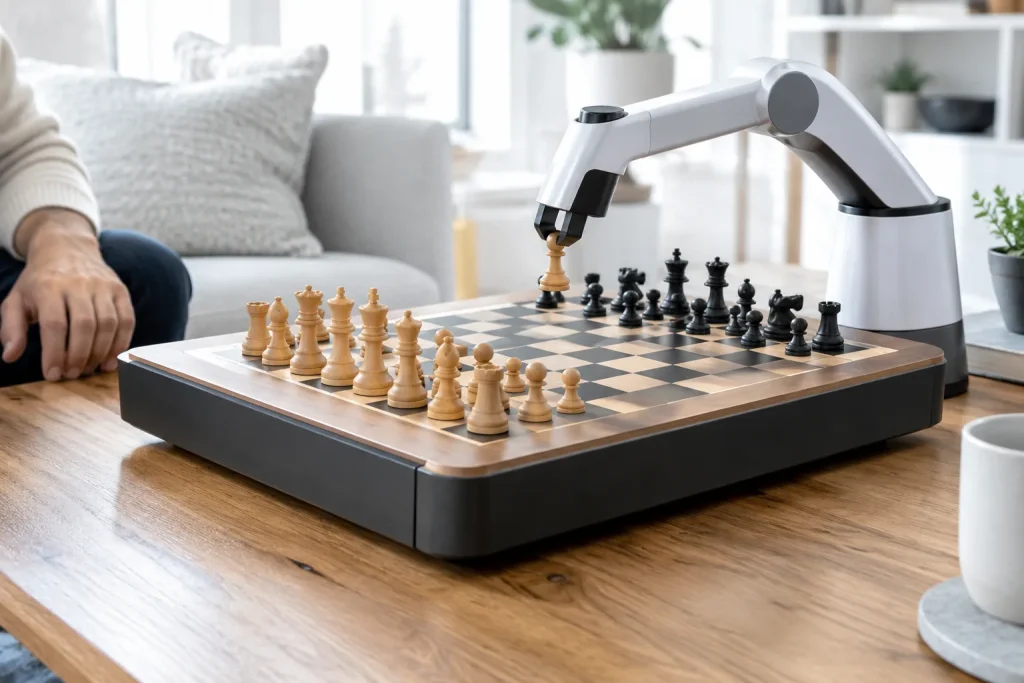 Robot kits & learningRobotic chess boards compared: Chessnut, SenseRobot, GoChess, Square Off (now Miko) and PhantomFive robotic chess boards from their makers' own pages: how the pieces move, AI levels, Chess.com and Lichess, battery, weight, size and…19 min read
More robot car kits
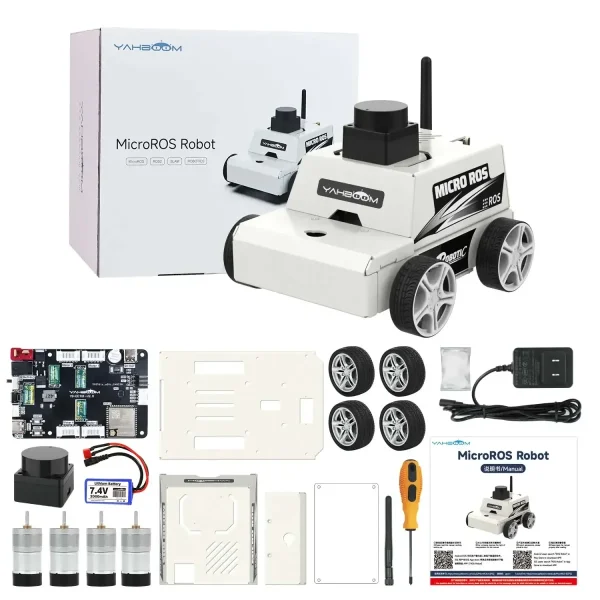
Yahboom MicroROS Robot Car with Lidar, ROS2 on a PC Virtual Machine
No onboard computer needed: ROS2 Humble runs in an Ubuntu 22.04 virtual machine on your PC
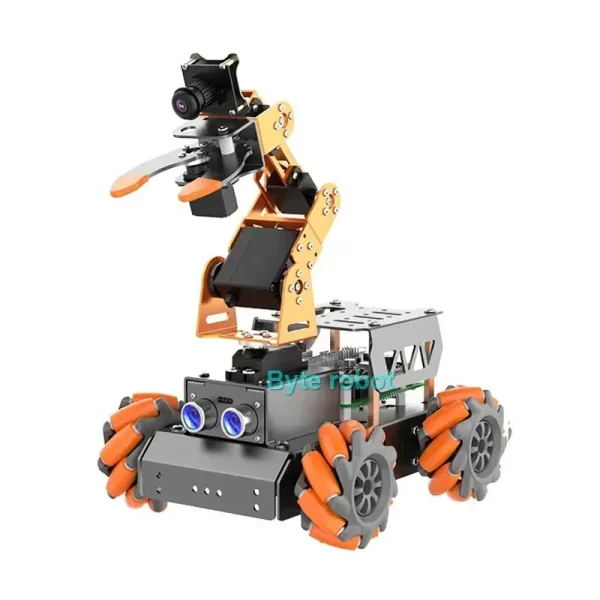
MasterPi Raspberry Pi Robot Car Kit with Arm and Mecanum Wheels
Mecanum wheels drive forward, sideways and diagonally, and spin in place
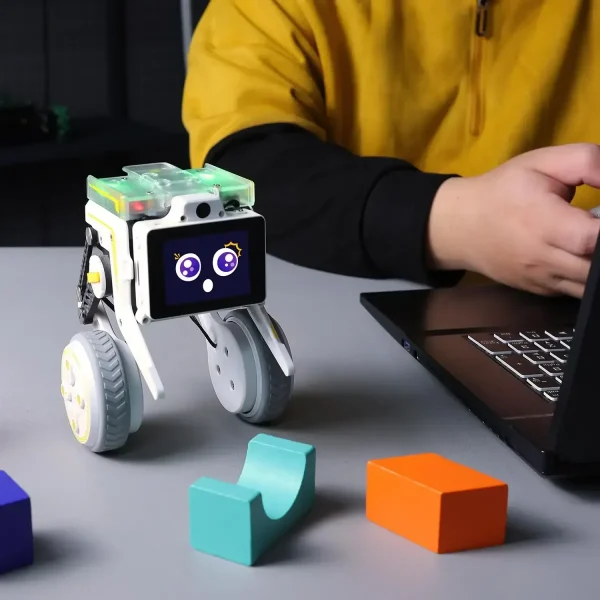
Rider-Pi Two-Wheel-Legged Robot Car, Raspberry Pi CM5
Raspberry Pi CM5 core module with 2GB memory, programmed in Python
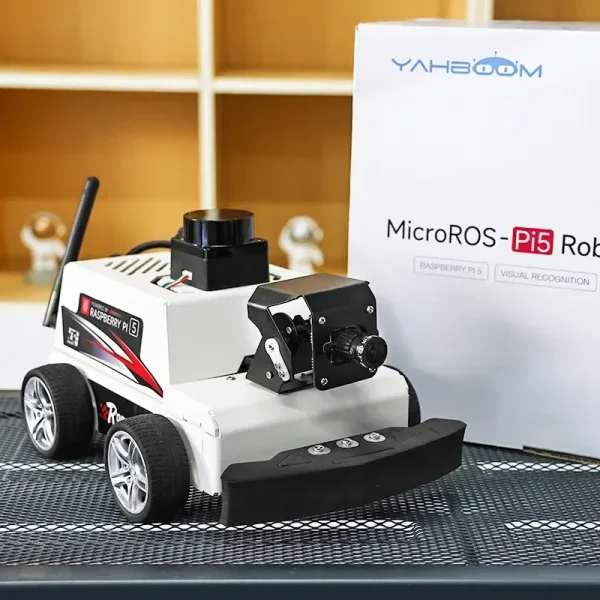
Yahboom MicroROS-Pi5 ROS2 Robot Car with Lidar for Raspberry Pi 5
MS200 360° lidar in every version, for SLAM mapping and navigation