Robotic Arms
Robotic arms move and grip objects under program control. Desktop robot arm kits teach kinematics and coding with Arduino, Python or ROS2; robotic hands are for grasping research and humanoid projects. Every kit level is spelled out so you know what you get.
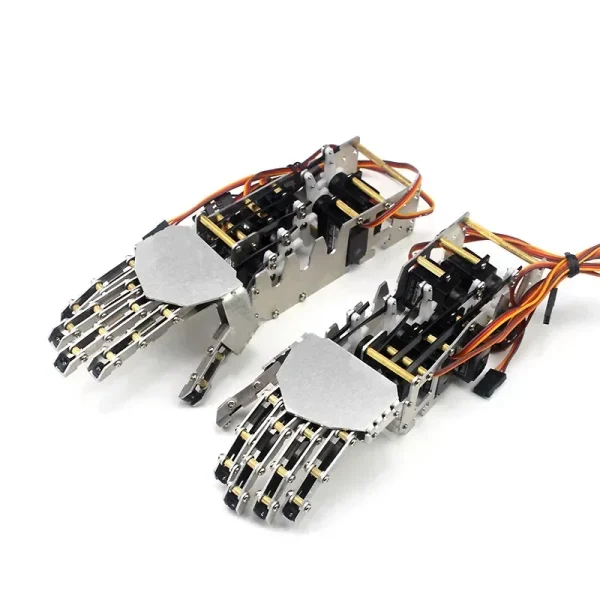
5-DOF Five-Finger Metal Robotic Hand Pair with Servos
Left and right five-finger hands, five degrees of freedom each
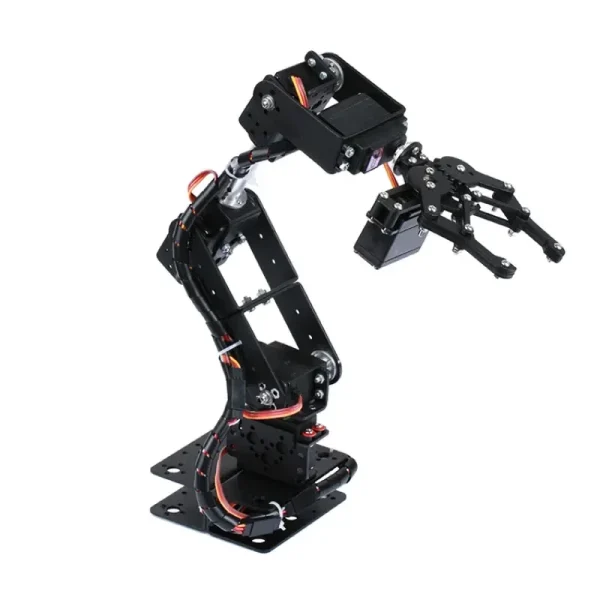
6-DOF Metal Robot Arm Frame Kit with Claw (No Servos)
Black metal frame for a six-degree-of-freedom arm with a claw
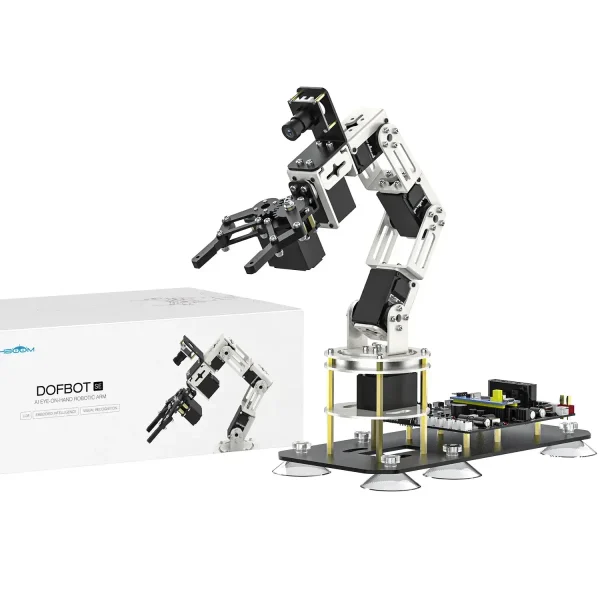
6-DOF ROS2 Robot Arm Kit with Vision, Python Programming
Six axes: five joints plus a gripper, in anodized aluminum
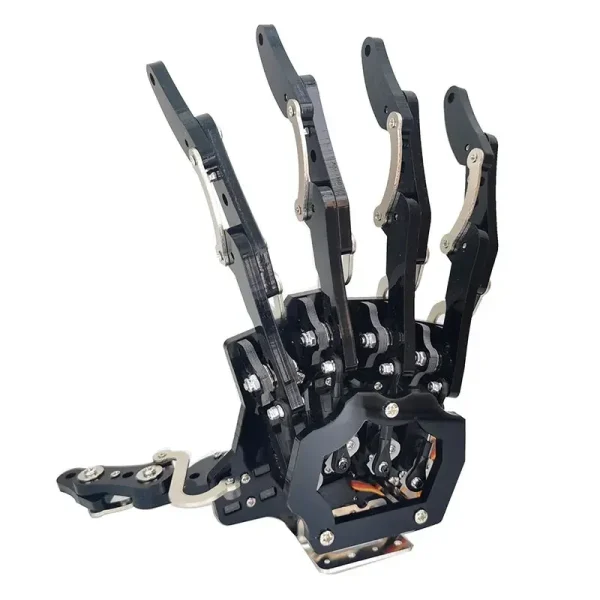
Assembled 5-DOF Robotic Hand Pair for Arduino, ESP32 and Raspberry Pi
Left and right hands, both assembled with servos fitted
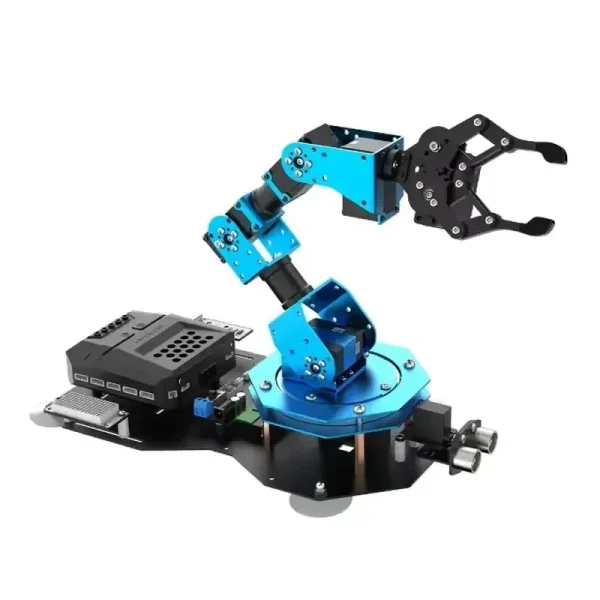
Hiwonder xArm2.0 Robot Arm Kit with Scratch and Python Coding
Six axes: five joints plus a gripper, with smart bus servos
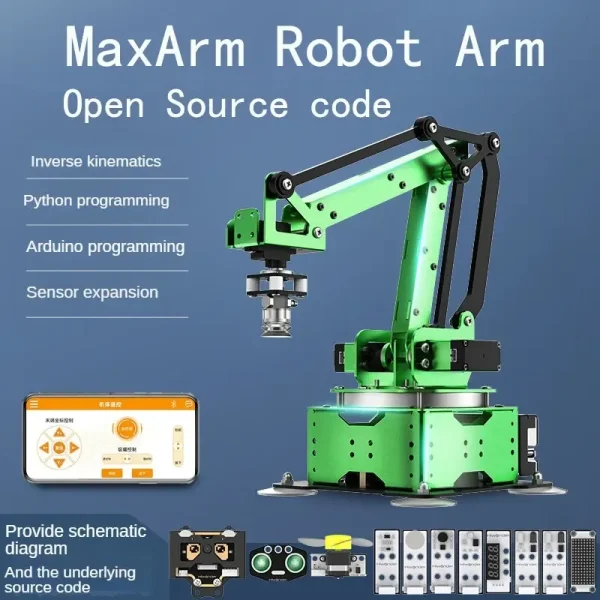
MaxArm Desktop Robot Arm Kit, ESP32, Python and Arduino
Ships assembled, with an open-source ESP32 controller and bus servos
How to choose a robotic arm
A robotic arm picks, places and positions objects under program control. For home and classroom buyers that means a desktop kit; for research, it can mean a dexterous hand.
What to compare
- Degrees of freedom: 4-DOF arms handle simple pick-and-place, while 5 or 6 DOF reach more orientations.
- Controller: Arduino, ESP32, Raspberry Pi or a ROS2-ready setup.
- Servos: metal-gear servos last longer under load.
- Payload and reach: small desktop arms lift light items only.
- Add-ons: camera, suction pump and gripper type.
Who it suits and what to check
Students and makers learning kinematics suit a kit, and developers moving into vision or imitation learning suit a camera-equipped, Python or ROS2 version. Robotic hands suit grasping research and humanoid builds.
Kit levels often differ in controller, sensors and extras, so read exactly what each version includes. Some frames ship without servos. Make sure you have a stable base, a suitable power supply and a computer that runs the software.
Before you order
Decide what the arm will actually do. Moving light objects on a desk is very different from sorting parts with a camera or studying grasping. Write down the task, the object weight and the software you plan to use, then match the kit level to that list rather than to the longest feature list. A stable mounting surface also matters, since arm movement shifts the base.
Questions
How many DOF should a robot arm have?
Four is enough for basic pick and place. Five or six DOF give more freedom to orient objects and suit kinematics lessons.
Do robot arm kits include servos and a controller?
It varies by kit and version. The product page lists the box contents; some frames are sold without servos.
How do I know what comes in the box?
Each product page lists what is in the box and what each version includes. Compare the versions before you order, because kits often differ in boards, batteries and accessories.