MaxArm Desktop Robot Arm Kit, ESP32, Python and Arduino
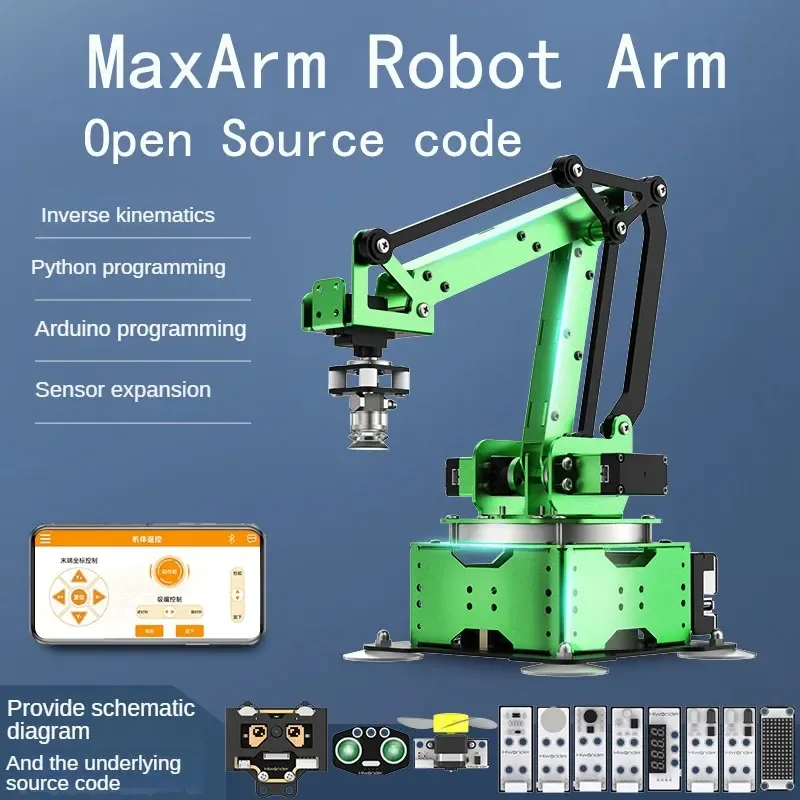
A desktop robot arm with an ESP32 controller, bus servos and a suction nozzle, programmable in Python or Arduino. Four kits, from the arm alone up to sensors, an AI camera and a sliding rail. Ages 14 and up.
- Ships assembled, with an open-source ESP32 controller and bus servos
- Picks up and places objects with a suction nozzle and built-in air pump
- Program it in Python or the Arduino IDE; inverse kinematics source code included
- Control it from PC software, an iOS/Android app, a mouse or a wireless controller
- Four kits: Starter, Standard (sensors), Advanced (AI camera) and Developer (sliding rail)
Specs
| Degrees of freedom | 4 |
|---|---|
| End effector | Suction nozzle with air pump |
| Controller | ESP32 open-source controller, Wi-Fi and Bluetooth |
| Servos | HTS-35H bus servos and LFD-01M micro servo |
| Programming | Python (default), Arduino IDE |
| Control | PC software, iOS/Android app, wireless controller, mouse |
| Power | 12 V 5 A DC adapter (included) |
| Battery | None |
| Size | 6.2 × 6.3 × 10.2 in (158 × 160 × 260 mm) |
| Weight | 2.9 lb (1.3 kg) |
| Working radius | 11.4 in (290 mm) |
| Material | Metal and fiberglass board |
| Recommended age | 14 and up |
In the box
- Robot arm, assembled, with ESP32 controller, air pump and suction nozzle
- 12 V 5 A power adapter
- Colored blocks, 3 cm (1.2 in)
- USB cable
- Suction cups (4)
- Screwdriver
Good to know
- It has no battery, so it runs only while plugged in to its 12 V 5 A adapter.
- The power adapter's plug type isn't specified. Ask us which plug ships to your country.
- Keep all parts away from water during assembly and use.
MaxArm is a compact desktop robot arm built around an open-source ESP32 controller. It ships assembled, so you can start programming right away. It suits students, teachers and makers ages 14 and up who want to learn how arm motion, coordinates and sensors work together.
What it does
A linkage design lets the end of the arm move along the x, y and z axes. A suction nozzle, driven by an air pump in the base, picks up and places objects such as the included blocks. Typical projects are sorting, picking, moving and stacking. With the sensor modules in the larger kits, the arm can respond to color, touch, sound and distance. The WonderCam AI vision module in the Advanced and Developer kits adds color tracking, face tracking and waste-sorting games.
Building and programming
MaxArm uses Python by default and can also be programmed in the Arduino IDE. Inverse kinematics code is provided: enter a target coordinate and it works out each servo angle. A coordinate diagram and the arm’s DH model come with it, so you can study how the math works. Without writing code, you can drive it from the PC software, the iOS/Android app or a mouse, and with the wireless controller in the Standard kit and up. The ESP32 board has Wi-Fi and Bluetooth, plus spare ports for extra sensors and modules.
What you need
A computer with a USB port for programming, and a wall outlet for the power adapter. The app needs an iOS or Android phone or tablet. No batteries are needed. Suction cups hold the base to a flat desk.
Good to know
The arm has 4 degrees of freedom. It handles objects by suction; none of the kits include a gripper claw. In the Developer kit, you mount the arm on the sliding rail using holes in its base. Keep all parts away from water.
Questions
Does it come assembled?
Yes. The arm ships assembled in every kit. In the Developer kit, you fit it to the sliding rail yourself.
Does it need batteries?
No. It runs from the included 12 V 5 A power adapter.
Which kits include the AI camera?
The Advanced and Developer kits include the WonderCam AI vision module with metal brackets.
What age is it for?
It's recommended for ages 14 and up.
Read before you buy
All guides Robot kits & learningRobot kits by age: what each one teaches, what it can’t, and the total costRobot kits by age, from block coding to Raspberry Pi, ROS 2 and AI arms: what each teaches, what it can't, and…21 min read
 Robot kits & learningLeRobot SO-101: what it is, what it really costs, and what you need to train itThe LeRobot SO-101 arm, priced part by part: open-source BOM, Seeed and WowRobo kits, cameras, power and GPU or cloud training. Every…21 min read
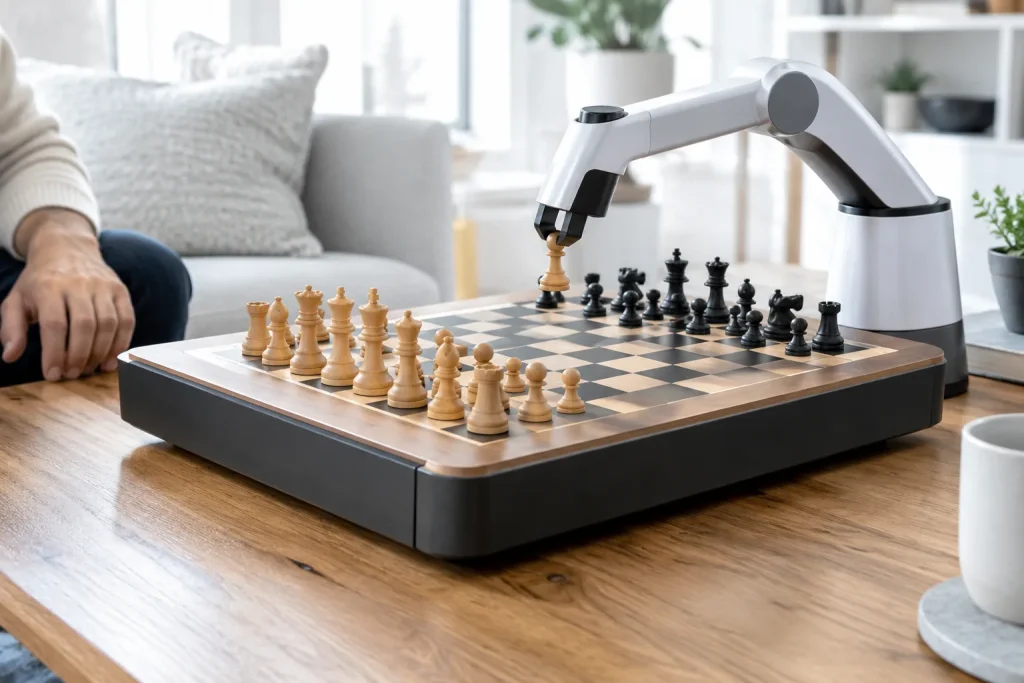 Robot kits & learningRobotic chess boards compared: Chessnut, SenseRobot, GoChess, Square Off (now Miko) and PhantomFive robotic chess boards from their makers' own pages: how the pieces move, AI levels, Chess.com and Lichess, battery, weight, size and…19 min read
More robot arm kits
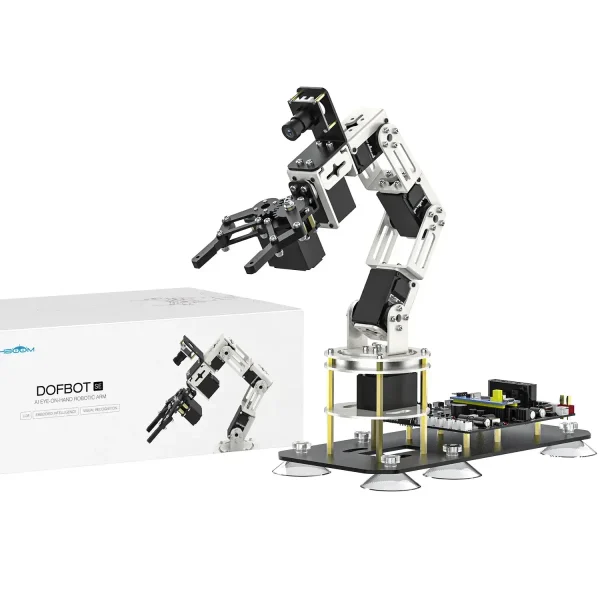
6-DOF ROS2 Robot Arm Kit with Vision, Python Programming
Six axes: five joints plus a gripper, in anodized aluminum
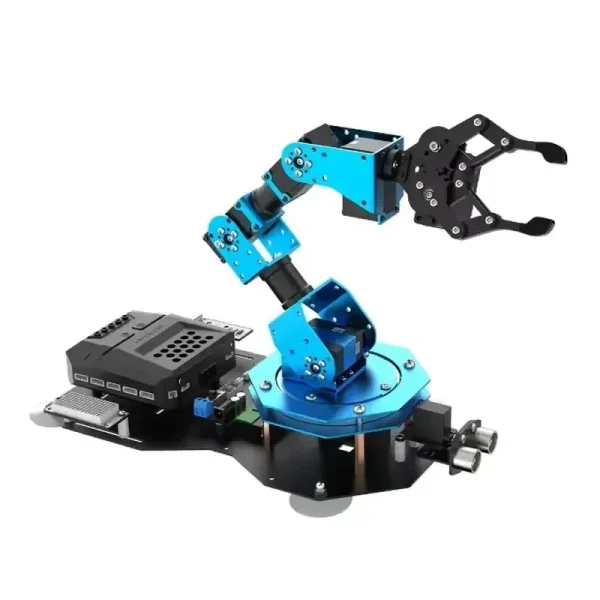
Hiwonder xArm2.0 Robot Arm Kit with Scratch and Python Coding
Six axes: five joints plus a gripper, with smart bus servos
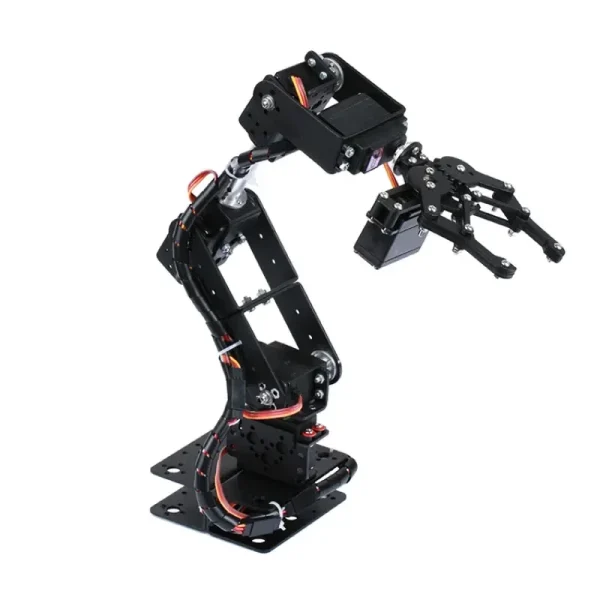
6-DOF Metal Robot Arm Frame Kit with Claw (No Servos)
Black metal frame for a six-degree-of-freedom arm with a claw