AI Companion Robots
An AI companion robot sits on a desk and talks back. Most show expressions on a small screen and respond to voice or touch. Each page states what it needs to work, such as Wi-Fi, an app or a charging dock.
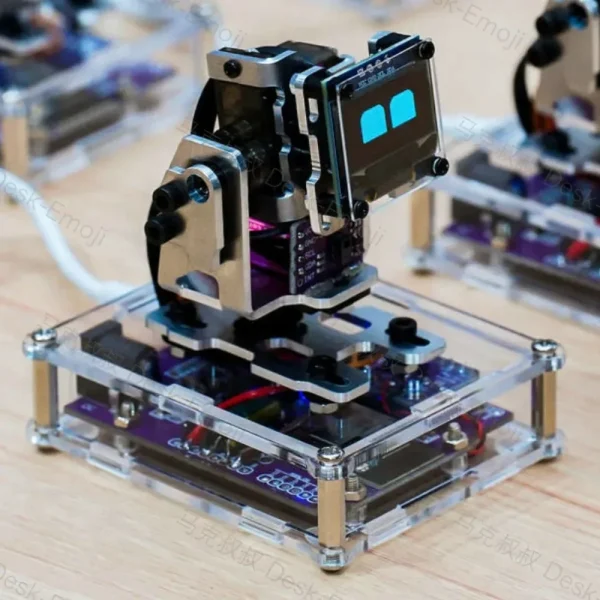
Desktop Chat Companion Robot with Display and Motion Recognition
Voice recognition for chat

ESP32-S3 Voice Chat Companion Robot with 1.28-Inch LCD
ESP32-S3 (N16R8) board with a 1.28-inch round LCD
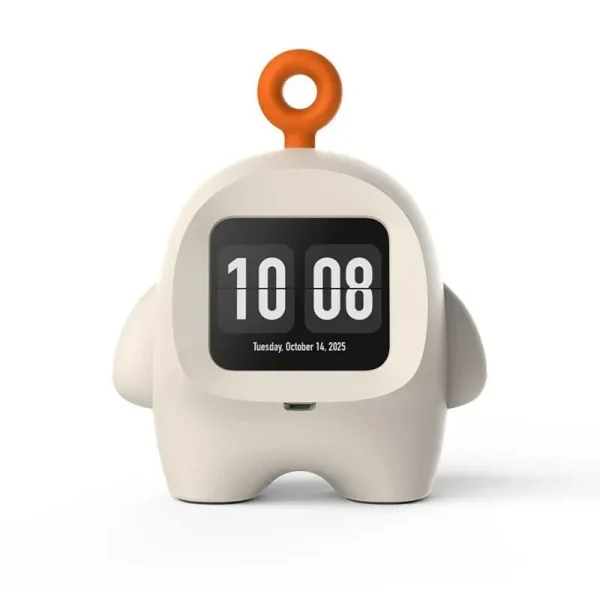
Multilingual Voice Chat Companion Robot with Clock Display
Built for multilingual conversation, chat and learning
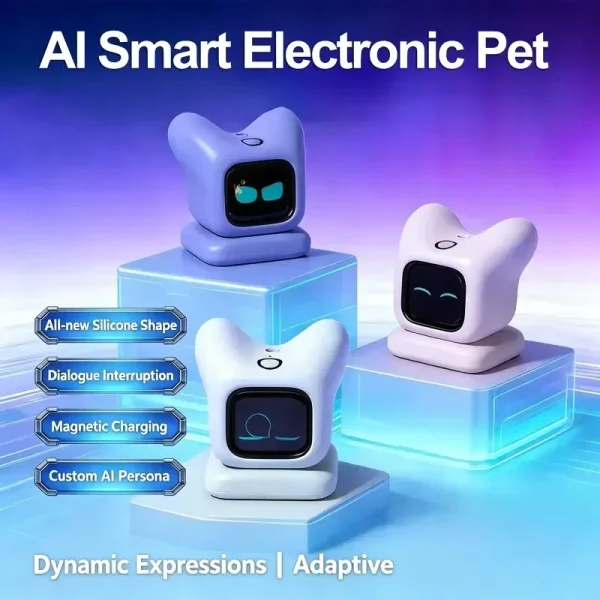
Pet-Style Voice Chat Companion Robot, Pink, White or Purple
Voice chatbot you can talk with
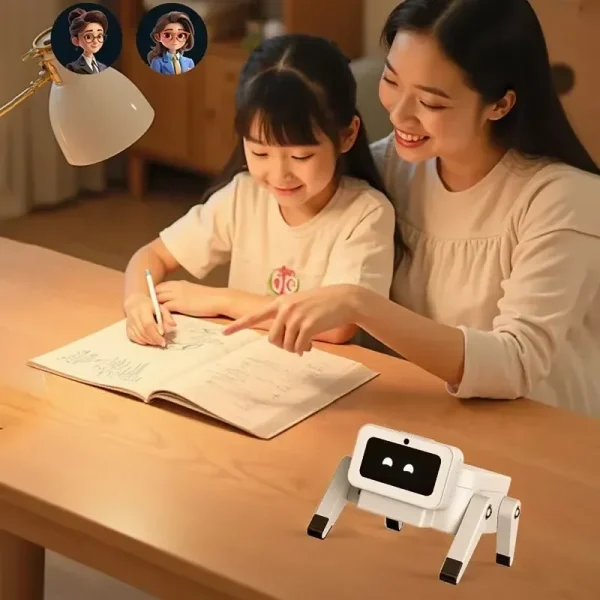
Robot Dog Companion with 0.96-Inch Color Screen, 16 Languages
Supports 16 languages, including English, Spanish, French, Japanese, Korean and Arabic
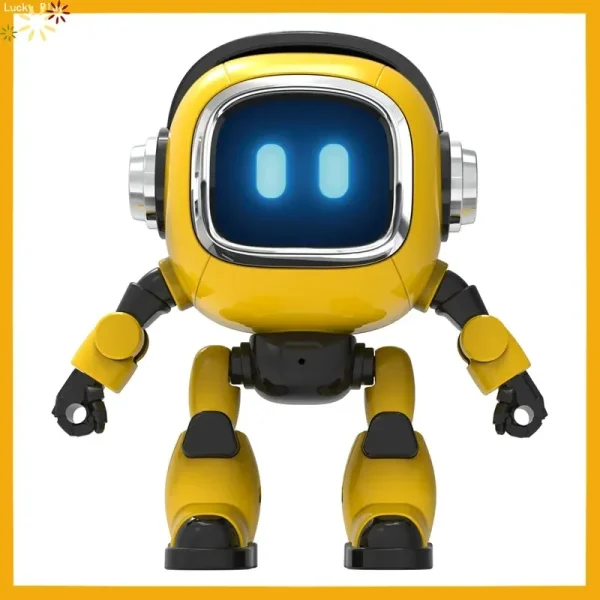
Voice and Remote Control Companion Robot, Rechargeable
Responds to voice commands and remote control
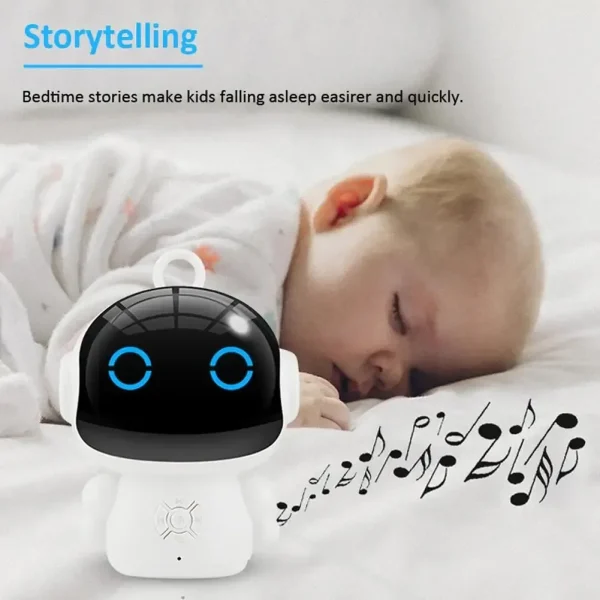
Voice Chat Companion Robot with Wi-Fi and Bluetooth, White
Voice chat companion for home use
How to choose a ai companion robot
An AI companion robot is a small desktop device that talks, shows expressions and reacts to touch or motion. Differences come down to the screen, the voice features and the power setup.
What to compare
- Display: round LCDs, color screens or clock faces.
- Languages: some support more than a dozen.
- Input: touch, motion recognition or voice only.
- Connectivity: Wi-Fi and Bluetooth.
- Battery: some versions include one and others rely on USB power.
Who it suits and what to check
Compact ESP32 models suit tinkerers who want to customize firmware. Larger desktop units with motion recognition suit families who want something that reacts. Pet-style companions suit younger users.
Read the version options carefully: for example, one model is offered with or without touch and with or without a battery. Check the charging method, how setup works with your phone, and which languages are supported. A voice device needs a Wi-Fi network you control, and you should review what the app collects.
Before you order
Think about where it will sit. A desk near your Wi-Fi router works well, and a version with a battery lets you move it between rooms. Check the charging port type and whether a cable is included. If a child will use it, set up the app yourself first and review the language and content settings.
Questions
Which version should I choose, with or without a battery?
Pick a battery version if you want to move the robot around. A USB-powered one works if it stays on a desk.
Does the robot work offline?
Voice chat generally needs an internet connection. Check the product page for which features work without one.
Does the price include delivery and import fees?
Yes. Prices include delivery, and import fees are paid by our shipping partner, so you should not see extra charges at your door.