ESP32-S3 Voice Chat Companion Robot with 1.28-Inch LCD
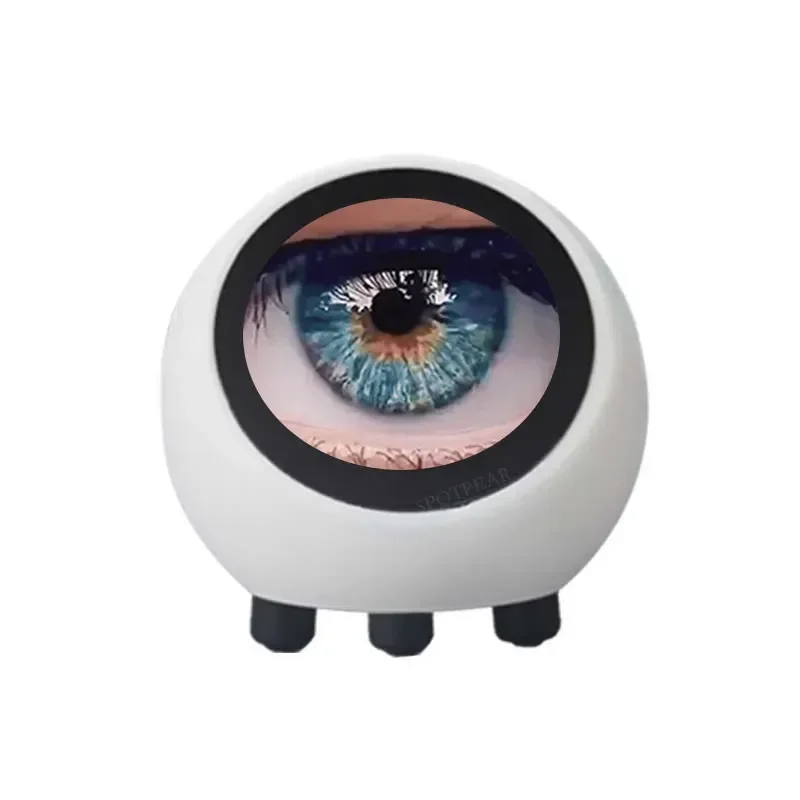
A round ESP32-S3 voice chat robot with a 1.28-inch round LCD, a built-in microphone and speaker, and removable legs. For makers, students and ESP32 learners who are happy to do some setup.
- ESP32-S3 (N16R8) board with a 1.28-inch round LCD
- Built-in microphone and speaker for voice chat
- Ships with voice chat firmware; can also run a clock firmware
- Removable legs, microSD slot, and a USB port for power, charging and updates
- Three versions: no battery, with battery, or with battery and touch screen
Specs
| Controller | ESP32-S3 (N16R8) |
|---|---|
| Display | 1.28-inch round LCD (touch on the touch version only) |
| Audio | Microphone and speaker |
| Storage | microSD slot (card not included) |
| Port and buttons | USB (power, charging, firmware); power and Boot buttons |
| Battery | Built-in on the two battery versions; capacity not specified |
| Connectivity | 2.4 GHz Wi-Fi |
| Voice chat | XiaoZhi AI voice chat via the XiaoZhi web console |
| Smart home | ESPHome / Home Assistant via community firmware Unverified |
Good to know
- It can't chat without a 2.4 GHz Wi-Fi connection, and the no-battery version runs only on USB power.
- Console registration is open to a set list of countries that is still growing. Ask us whether yours is covered before you order.
- Battery capacity and runtime aren't specified. Check with us if runtime matters to you.
- Expect some setup on a phone and a web console. It isn't a plug-and-play toy.
This round desk robot is a small voice assistant that you can also learn from. Inside is an ESP32-S3 (N16R8) development board with a 1.28-inch round LCD, a microphone and a speaker. It suits makers, students and ESP32 learners who want a talking gadget they can explore and reflash.
What it does
It ships with voice chat firmware. Press the Boot button, ask a question out loud, and it answers through its speaker while the screen shows a face. The same hardware can also run a clock firmware. The board has a microSD card slot, and the legs come off if you prefer a plain ball on the desk.
How it works
On first power-up, the robot opens its own Wi-Fi hotspot. Join it from your phone, pick your home network and enter the password. The screen then shows a device code. Register on the XiaoZhi web console (xiaozhi.me), add the device with that code and restart it. After that, it connects by itself. The USB port handles power, battery charging and firmware updates.
What you need
A 2.4 GHz Wi-Fi network, a phone for the first setup, and an account on the XiaoZhi console. Registration asks for a phone number. The no-battery version also needs a USB power source to run.
Good to know
Voice chat runs through the XiaoZhi online service, so the robot needs its Wi-Fi connection to chat. Building your own firmware from source needs ESP-IDF and is meant for developers. Battery capacity and runtime aren’t specified.
Questions
Does it need Wi-Fi?
Yes. Setup and voice chat use a 2.4 GHz Wi-Fi network. A 5 GHz-only network won't work.
Which versions have a battery?
Both "with battery" versions have a built-in battery that charges over USB. The no-battery version runs only while plugged into USB power.
Do I need an account?
Yes. You register on the XiaoZhi web console (xiaozhi.me) and add the robot with the code shown on its screen. Registration asks for a phone number.
Is a microSD card included?
No. The board has a microSD slot, but the card isn't included.
Read before you buy
All guides Robot kits & learningRobot kits by age: what each one teaches, what it can’t, and the total costRobot kits by age, from block coding to Raspberry Pi, ROS 2 and AI arms: what each teaches, what it can't, and…21 min read
 Robot kits & learningLeRobot SO-101: what it is, what it really costs, and what you need to train itThe LeRobot SO-101 arm, priced part by part: open-source BOM, Seeed and WowRobo kits, cameras, power and GPU or cloud training. Every…21 min read
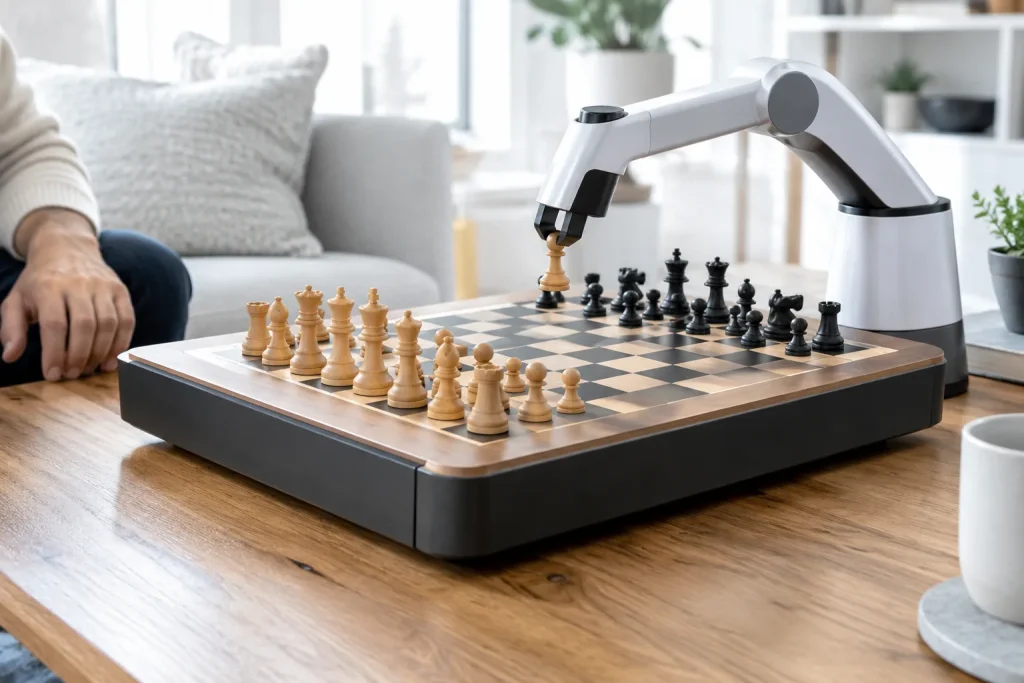 Robot kits & learningRobotic chess boards compared: Chessnut, SenseRobot, GoChess, Square Off (now Miko) and PhantomFive robotic chess boards from their makers' own pages: how the pieces move, AI levels, Chess.com and Lichess, battery, weight, size and…19 min read
More ai companion robots
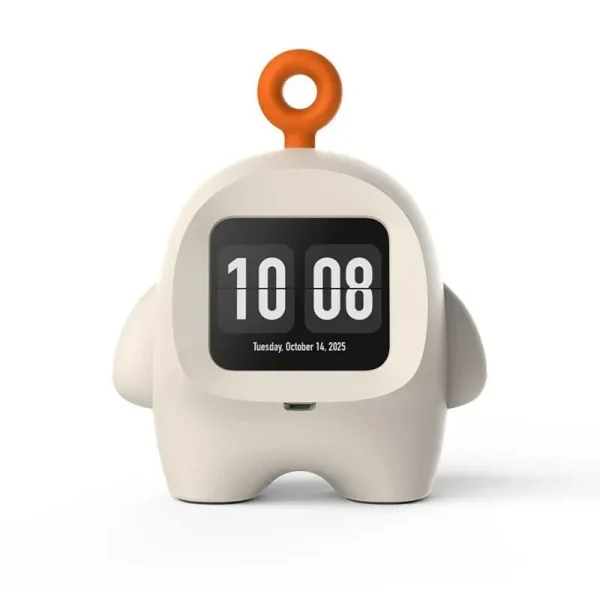
Multilingual Voice Chat Companion Robot with Clock Display
Built for multilingual conversation, chat and learning
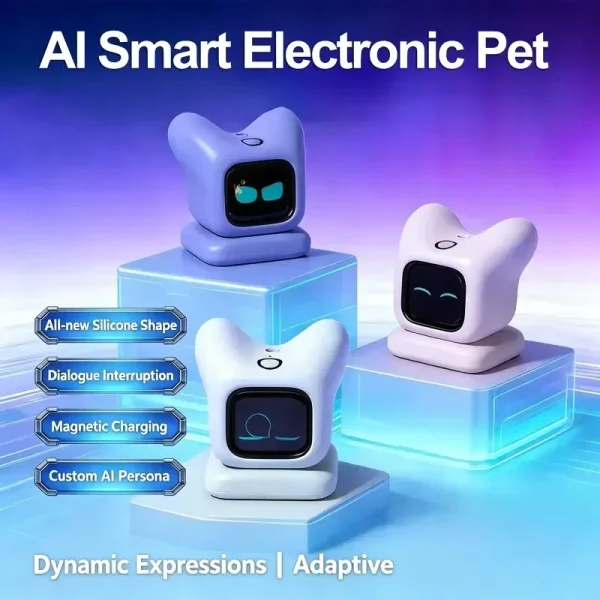
Pet-Style Voice Chat Companion Robot, Pink, White or Purple
Voice chatbot you can talk with
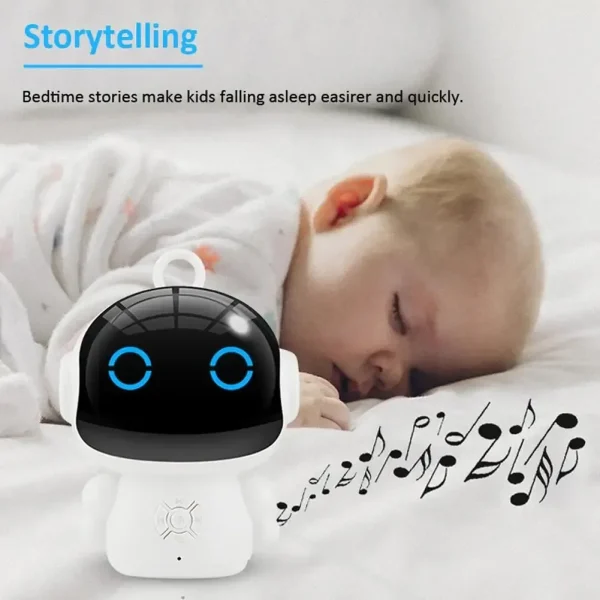
Voice Chat Companion Robot with Wi-Fi and Bluetooth, White
Voice chat companion for home use
Robot Dog Companion with 0.96-Inch Color Screen, 16 Languages
Supports 16 languages, including English, Spanish, French, Japanese, Korean and Arabic