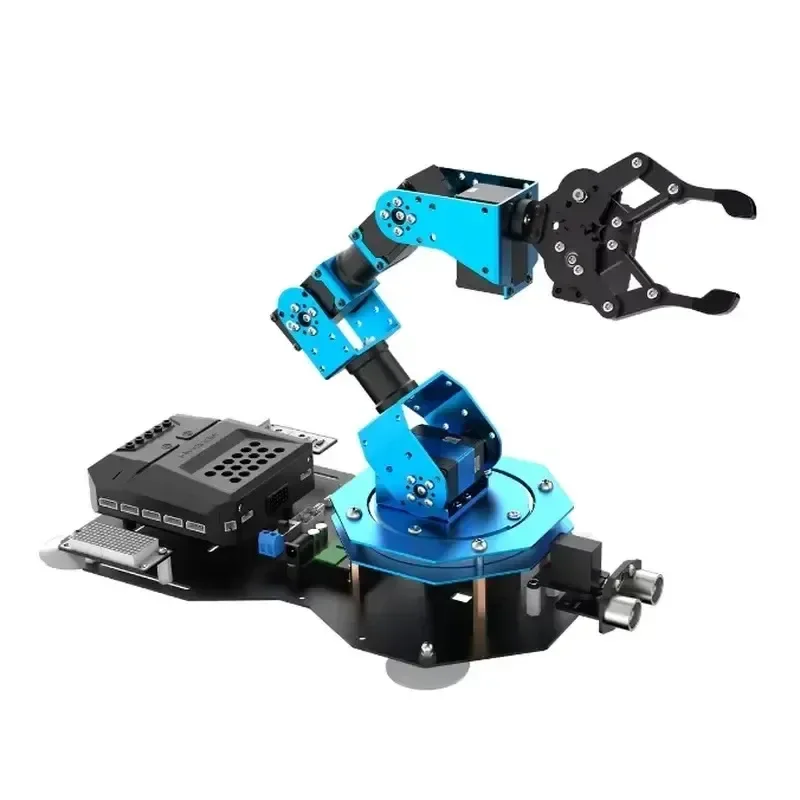
Hiwonder xArm2.0 Robot Arm Kit with Scratch and Python Coding
A Hiwonder desktop robot arm kit with smart bus servos and a set of sensors, programmed in Scratch or Python. Comes with a 7.5V adapter and EU plug.
- Six axes: five joints plus a gripper, with smart bus servos
- Program in Scratch 3.0 or Python
- Ultrasonic, color and sound sensors, plus a dot matrix display
- Control by app, wireless handle, mouse, PC or infrared remote
- 7.5V 6A adapter with EU Type C plug
Specs
| Degrees of freedom | 6 (5 joints + gripper) |
|---|---|
| Servos | HTS-16L, LX-15D and LX-225 serial bus servos; LFD-01 servo |
| Controller | CoreX (ESP32 and STM32); STM32 servo controller |
| Inputs | Ultrasonic sensor, infrared receiver, sound sensor, color sensor |
| Outputs | Dot matrix module, buzzer, RGB light, LFD-01 servo |
| Programming | Scratch 3.0, Python |
| Control | iOS/Android app, wireless handle, mouse, PC software, infrared remote |
| Power | 7.5V 6A DC adapter |
| Plug | EU Type C, 100–240V |
| Size | 10.9 x 6.1 x 16.8 in (277 x 155 x 426 mm) |
| Weight | About 2.6 lb (1.2 kg) |
| Package size | 19.7 x 11.8 x 6.3 in (50 x 30 x 16 cm) |
| Color | Sky blue |
In the box
- xArm 2.0 arm body
- CoreX controller
- 7.5V 6A DC power adapter (EU plug)
- Wireless handle with USB receiver cable
- Glowing ultrasonic sensor with mounting frame
- Dot matrix module
- Color sensor
- Infrared remote control
- LFD-01 anti-blocking servo
- xArm L-shaped bracket
- 4 suction cups
- Color blocks, 1.6 in (4 cm)
- Map
- Accessory bag with screws, cables and a screwdriver
Good to know
- It runs only from its 7.5V 6A power adapter, so set it up within reach of an outlet.
- Comes with an EU Type C plug rated 100–240V.
- Payload and supported computer operating systems aren't specified. Ask us if your project depends on them.
The Hiwonder xArm 2.0 is a desktop robot arm kit for students and makers learning programming and electronics. It has five joints plus a gripper, smart bus servos and a set of sensors, and you program it in Scratch or Python.
What it does
The arm picks up and sorts small objects. With its sensors it can sort blocks by color, detect objects around its base and run simple games. Its bus servos report position and voltage back to the controller, and several arms can work together on one task. You can drive it from an iOS or Android app, a wireless handle, a mouse, PC software or the infrared remote.
Building and programming
The arm body comes as one unit. You add the CoreX controller, sensors, brackets and suction cups with the screws, cables and screwdriver in the kit. Scratch 3.0 blocks give beginners an easy start, and Python lets advanced users go further. You can also teach moves by hand with offline manual programming, or build action sequences in the app or PC software. Hiwonder includes an inverse kinematics analysis that explains how the arm works out its moves.
What you need
A computer for Scratch, Python or the PC software, and a phone or tablet if you want app control. Power comes from the included 7.5V 6A adapter with an EU Type C plug.
Good to know
The arm measures about 10.9 x 6.1 x 16.8 in (277 x 155 x 426 mm) and weighs about 2.6 lb (1.2 kg). Four suction cups hold the base to the desk. The controller has built-in buttons, a buzzer, RGB lights and an infrared receiver, and its 4-pin sensor ports work with other Hiwonder sensors.
Questions
Can beginners program it?
Yes. It supports Scratch 3.0 block coding for beginners and Python for advanced users.
Can I control it without coding?
Yes. Use the iOS or Android app, the wireless handle, a mouse with the PC software, or the infrared remote. You can also teach it moves by hand.
What plug does it come with?
An EU Type C plug on a 7.5V 6A adapter rated for 100–240V input.
Read before you buy
All guides Robot kits & learningRobot kits by age: what each one teaches, what it can’t, and the total costRobot kits by age, from block coding to Raspberry Pi, ROS 2 and AI arms: what each teaches, what it can't, and…21 min read
 Robot kits & learningLeRobot SO-101: what it is, what it really costs, and what you need to train itThe LeRobot SO-101 arm, priced part by part: open-source BOM, Seeed and WowRobo kits, cameras, power and GPU or cloud training. Every…21 min read
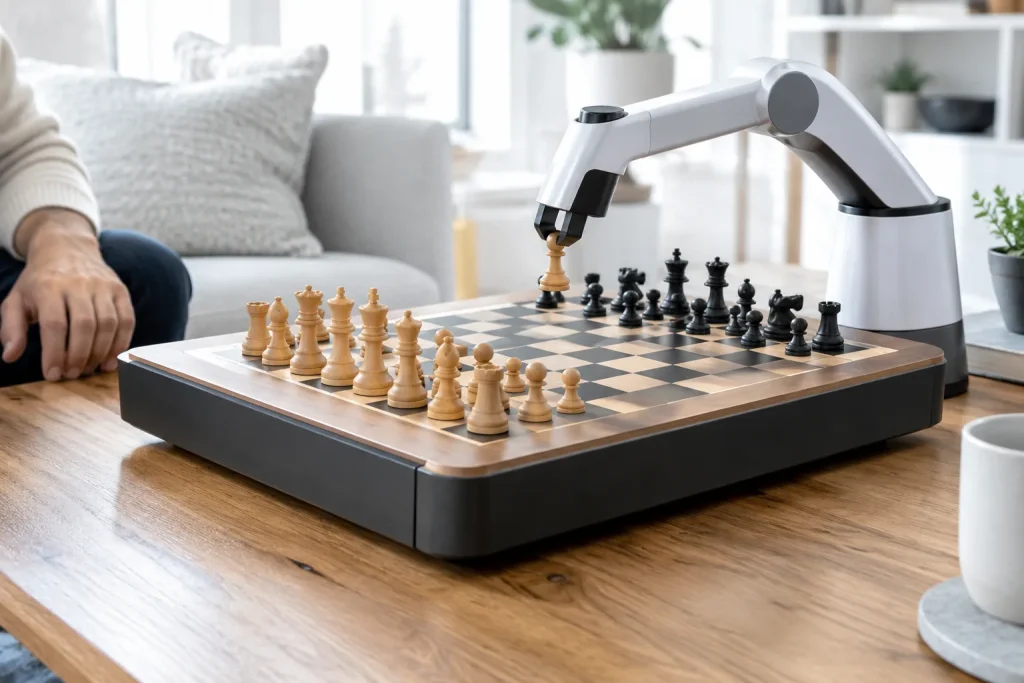 Robot kits & learningRobotic chess boards compared: Chessnut, SenseRobot, GoChess, Square Off (now Miko) and PhantomFive robotic chess boards from their makers' own pages: how the pieces move, AI levels, Chess.com and Lichess, battery, weight, size and…19 min read
More robot arm kits
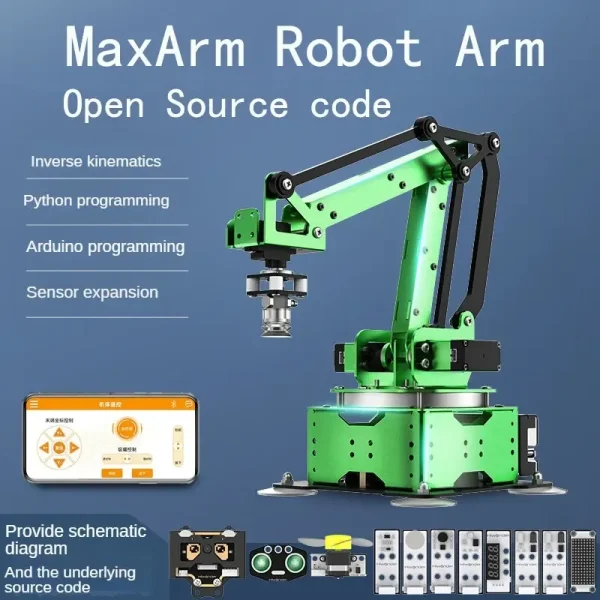
MaxArm Desktop Robot Arm Kit, ESP32, Python and Arduino
Ships assembled, with an open-source ESP32 controller and bus servos
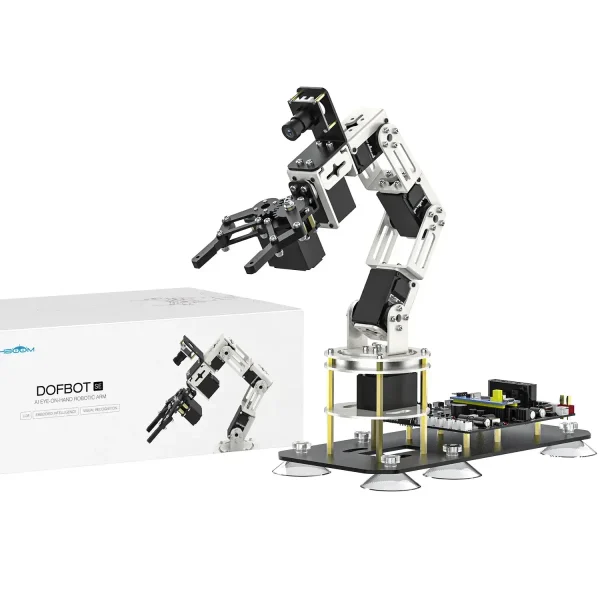
6-DOF ROS2 Robot Arm Kit with Vision, Python Programming
Six axes: five joints plus a gripper, in anodized aluminum
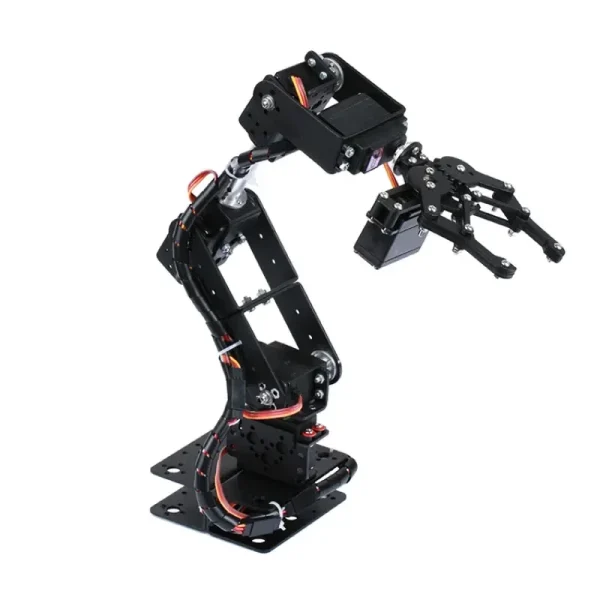
6-DOF Metal Robot Arm Frame Kit with Claw (No Servos)
Black metal frame for a six-degree-of-freedom arm with a claw