Yahboom MicroROS Robot Car with Lidar, ROS2 on a PC Virtual Machine
A ROS2 Humble robot car that runs its software on your Windows PC instead of an onboard computer. An ESP32 board streams lidar and sensor data over Wi-Fi. Choose the Standard version, or the Vision version with a camera on a pan-tilt mount.
- No onboard computer needed: ROS2 Humble runs in an Ubuntu 22.04 virtual machine on your PC
- MS200 lidar in both versions for mapping, navigation, following and obstacle avoidance
- Vision version adds a Wi-Fi camera on a 2-axis servo mount
- Four metal encoder motors, 6-axis IMU and an aluminum alloy body
- Program in Python or C; recommended for ages 14 and up
Specs
| Controller | ESP32 MicroROS control board; ROS2 runs on your PC |
|---|---|
| PC software | Ubuntu 22.04 virtual machine, ROS2 Humble |
| PC needed | Windows; macOS isn't supported |
| Connection | Wi-Fi (UDP) |
| Programming | Python, C |
| Lidar | MS200, both versions |
| Camera | Wi-Fi camera on a 2-axis servo mount, Vision version only |
| Camera resolution | 2MP |
| Motors | 4 × 310 metal encoder motors, 450 rpm, 4 kg·cm |
| IMU | 6-axis |
| Battery | 7.4 V 2000 mAh 2S lithium |
| Battery life | About 5 h (Standard), about 3 h (Vision) |
| Body | Anodized aluminum alloy |
| Size | 7.8 × 6.0 × 4.9 in (198.6 × 153 × 124.2 mm) |
| Weight | About 2.0 lb (905.5 g), varies slightly by version |
| Recommended age | 14 and up |
In the box
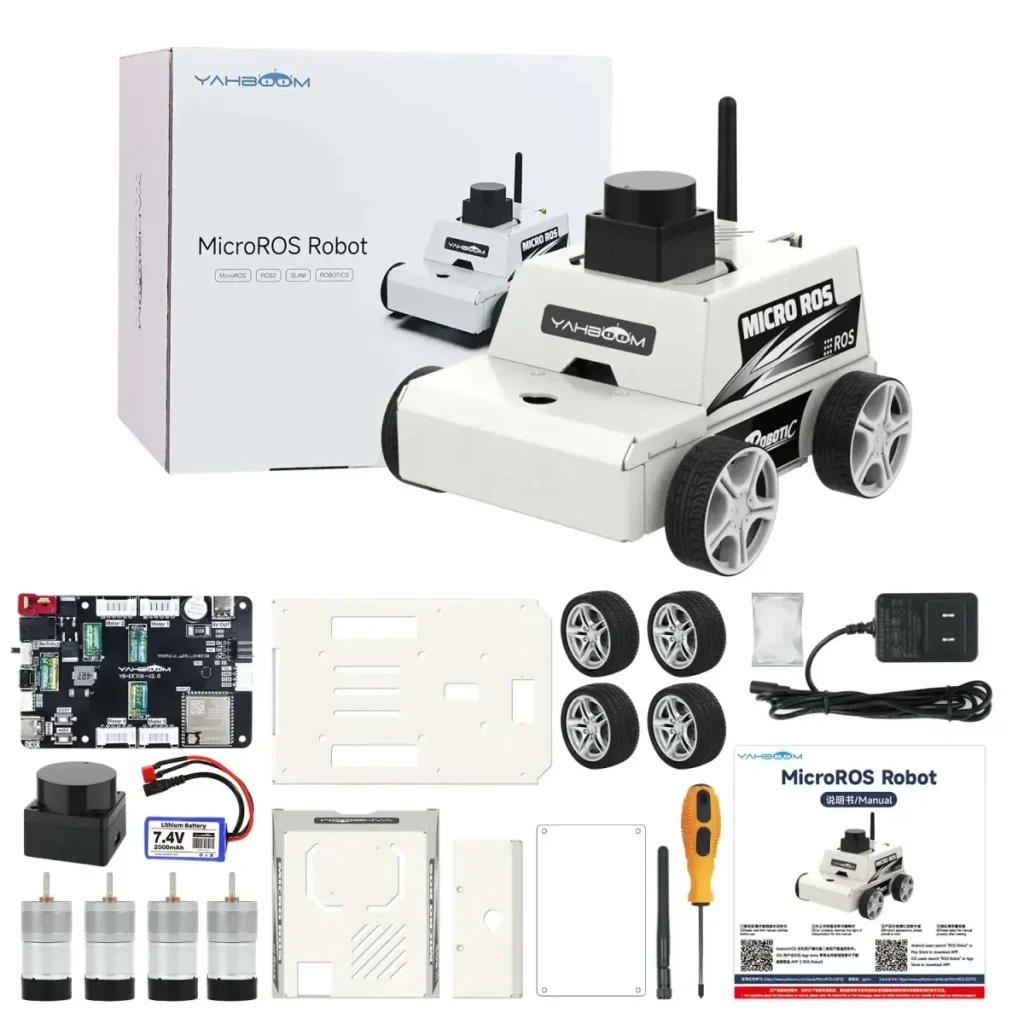
- Robot car body, assembled, with metal chassis, covers, 4 encoder motors and tires
- MS200 lidar, assembled
- MicroROS control board (ESP32), assembled
- 7.4 V 2000 mAh battery pack and charger
- Antenna
- Battery compartment cover (acrylic)
- Accessory kit
- Screwdriver
- Manual
Good to know
- It needs a Windows PC to run its ROS2 software; macOS isn't supported.
- Minimum PC specs for the virtual machine aren't specified. Ask us before you order.
- Charger plug type isn't stated. Ask which plug ships to your country.
- A wireless gamepad isn't part of the kit.
This ROS2 robot car moves the heavy computing off the robot. Instead of a Raspberry Pi or Jetson on board, it sends its sensor data over Wi-Fi to a virtual machine on your PC, which runs ROS2 and makes the decisions. That keeps the hardware cost down. It suits students, educators and hobbyists ages 14 and up who want to learn ROS2 on a real robot.
What it does
With its MS200 lidar, the car can build maps (SLAM), navigate, follow a target and avoid obstacles. You can view it in RViz simulation and run several cars in sync. Remote control works from the phone app. The Vision version adds a Wi-Fi camera on a 2-axis servo mount for camera-based projects.
How it works
An ESP32 on the MicroROS control board talks to your PC over Wi-Fi (UDP). The board drives four 310 metal encoder motors and reads a 6-axis IMU and the lidar. On the PC, ROS2 Humble runs in Ubuntu 22.04 inside a virtual machine. You program in Python or C. Course material and source code are provided.
What you need
A Windows PC that can run the virtual machine, and a Wi-Fi network for the car and the PC. The car body ships assembled. On the Vision version, you fit the camera mount with the included screws and standoffs.
Good to know
macOS isn’t supported. Battery life is about 5 hours for the Standard version and about 3 hours for the Vision version. The car measures about 7.8 × 6 × 4.9 in (199 × 153 × 124 mm) and weighs about 2 lb (906 g). The power system has short-circuit and over-current protection.
Questions
Do I need a Raspberry Pi or Jetson?
No. ROS2 runs in a virtual machine on your Windows PC, and the car connects to it over Wi-Fi.
Does it work with a Mac?
No. macOS isn't supported.
Do both versions include the lidar?
Yes. Both include the MS200 lidar. Only the Vision version adds the camera and its pan-tilt mount.
How long does the battery last?
About 5 hours for the Standard version and about 3 hours for the Vision version.
Read before you buy
All guides Robot kits & learningRobot kits by age: what each one teaches, what it can’t, and the total costRobot kits by age, from block coding to Raspberry Pi, ROS 2 and AI arms: what each teaches, what it can't, and…21 min read
 Robot kits & learningLeRobot SO-101: what it is, what it really costs, and what you need to train itThe LeRobot SO-101 arm, priced part by part: open-source BOM, Seeed and WowRobo kits, cameras, power and GPU or cloud training. Every…21 min read
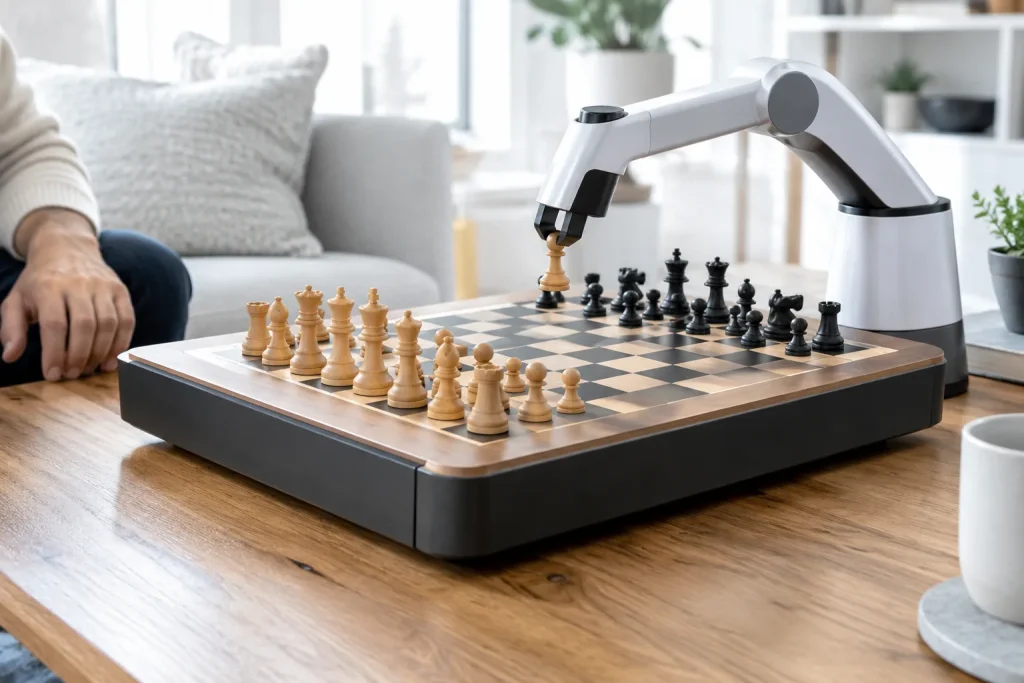 Robot kits & learningRobotic chess boards compared: Chessnut, SenseRobot, GoChess, Square Off (now Miko) and PhantomFive robotic chess boards from their makers' own pages: how the pieces move, AI levels, Chess.com and Lichess, battery, weight, size and…19 min read
More robot car kits
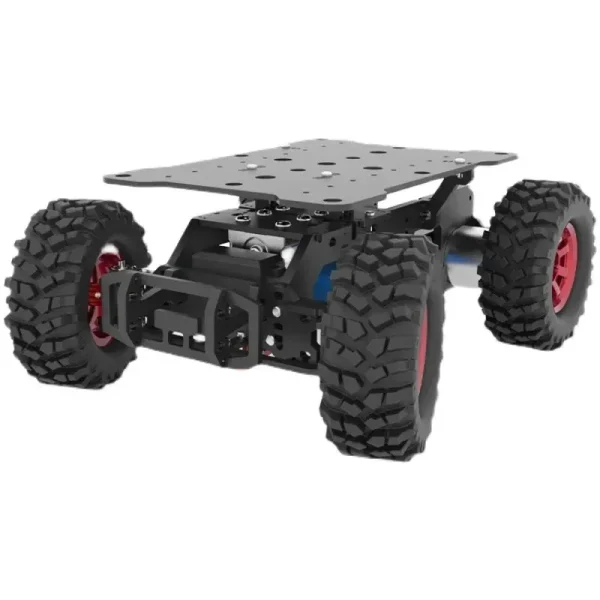
DIY Ackermann Robot Car Chassis Kit with Motor for ROS Builds
Ackermann steering on a front axle with bearings
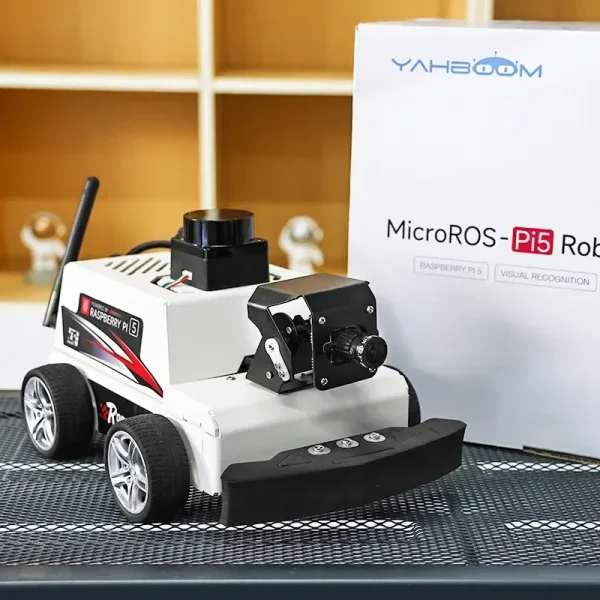
Yahboom MicroROS-Pi5 ROS2 Robot Car with Lidar for Raspberry Pi 5
MS200 360° lidar in every version, for SLAM mapping and navigation
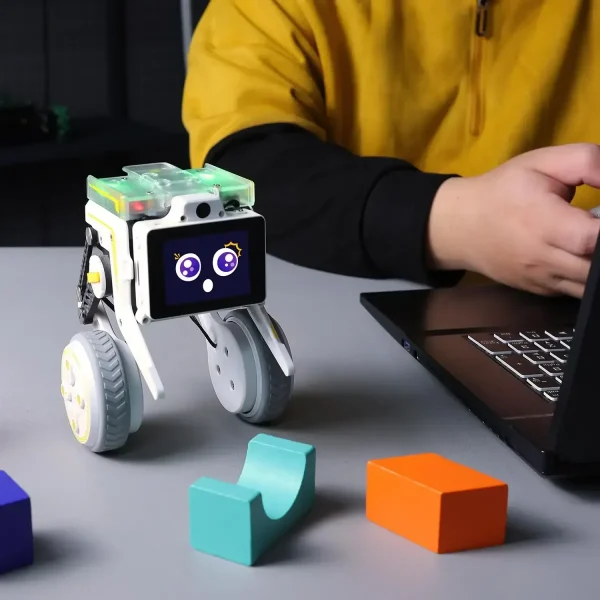
Rider-Pi Two-Wheel-Legged Robot Car, Raspberry Pi CM5
Raspberry Pi CM5 core module with 2GB memory, programmed in Python
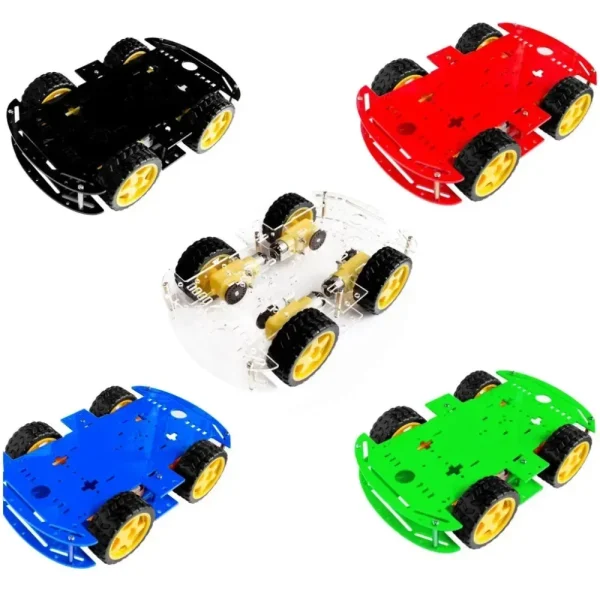
4WD Robot Car Chassis Kit with Speed Encoder and Battery Box
Four gear motors, one per wheel, for four-wheel drive