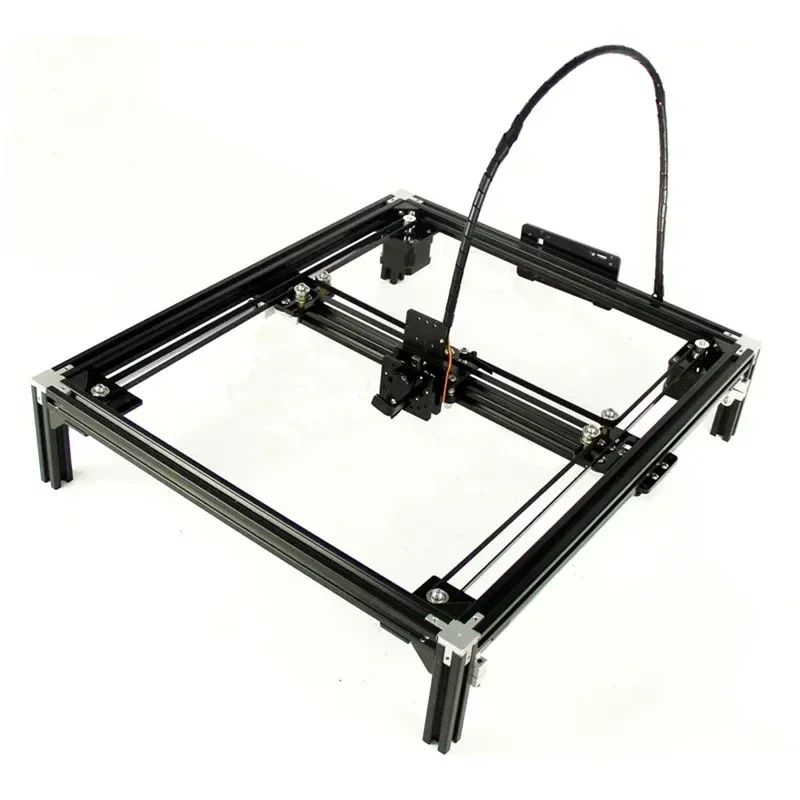
DIY CoreXY Drawing Robot Kit, Pen Plotter with GRBL Controller
A DIY CoreXY pen plotter kit that draws and writes across an A4-size area, driven by a GRBL controller and Inkscape on Windows. For makers, students and hobbyists.
- Draws and writes across 11.7 x 8.3 in (297 x 210 mm), the size of an A4 sheet
- GRBL controller drives the CoreXY motion
- Pen holder angle adjusts from 0 to 45 degrees either way
- Prepare designs in Inkscape on Windows XP, 7 or 10
- Runs on a 12 V / 2 A power supply
Specs
| Motion | CoreXY pen plotter |
|---|---|
| Working area | 11.7 x 8.3 in (297 x 210 mm) |
| Machine size | 22 x 16.1 x 4.7 in (560 x 410 x 120 mm) |
| Controller | GRBL |
| Pen angle | Adjustable, 0–45° either way |
| Design software | Inkscape |
| Computer | Windows XP, 7, 10 |
| Power | 12 V / 2 A power supply |
| Assembly | DIY kit |
Good to know
- It can't draw beyond its 297 x 210 mm (A4-size) working area.
- Whether the 12 V / 2 A power supply is in the box isn't specified. Ask us before you order.
- Windows 11 isn't among the supported systems. Check with us if that's what you run.
This DIY drawing robot is a CoreXY pen plotter that turns digital designs into pen-drawn art and lettering. You build the frame, connect it to a Windows computer and let it draw. It suits makers, students and hobbyists who want a desk-size drawing machine for art, handwriting and sign projects.
What it does
The plotter moves a pen over a 297 x 210 mm (11.7 x 8.3 in) area, the size of an A4 sheet. It can draw line art, write text and lay out simple lettering. The pen holder tilts to angles from 0 to 45 degrees either way, so you can set how the pen meets the paper.
Building and programming
You assemble the CoreXY frame from the kit, then mount the pen holder on its rail. Designs are prepared in Inkscape on a Windows PC. The GRBL controller then moves the pen across the frame to draw or write them on paper. Because it uses GRBL, the plotter works like a small CNC machine that follows drawing paths.
What you need
A Windows computer running XP, 7 or 10, with Inkscape installed. The machine runs on a 12 V / 2 A power supply. Plan time for assembly, and clear a space of about 22 x 16.1 in (560 x 410 mm) for the built frame, which stands 4.7 in (120 mm) high.
Good to know
It draws with a pen, so line weight and color depend on the pen you load. Windows 11 and macOS support aren’t specified. The pen reaches only the 297 x 210 mm area.
Questions
How big is the drawing area?
297 x 210 mm (11.7 x 8.3 in), the size of an A4 sheet.
Which software does it use?
You prepare designs in Inkscape on a Windows computer. Windows XP, 7 and 10 are supported.
Does it come assembled?
No. It's a DIY kit, so you build the frame before the first drawing.
Read before you buy
All guides Robot kits & learningRobot kits by age: what each one teaches, what it can’t, and the total costRobot kits by age, from block coding to Raspberry Pi, ROS 2 and AI arms: what each teaches, what it can't, and…21 min read
 Robot kits & learningLeRobot SO-101: what it is, what it really costs, and what you need to train itThe LeRobot SO-101 arm, priced part by part: open-source BOM, Seeed and WowRobo kits, cameras, power and GPU or cloud training. Every…21 min read
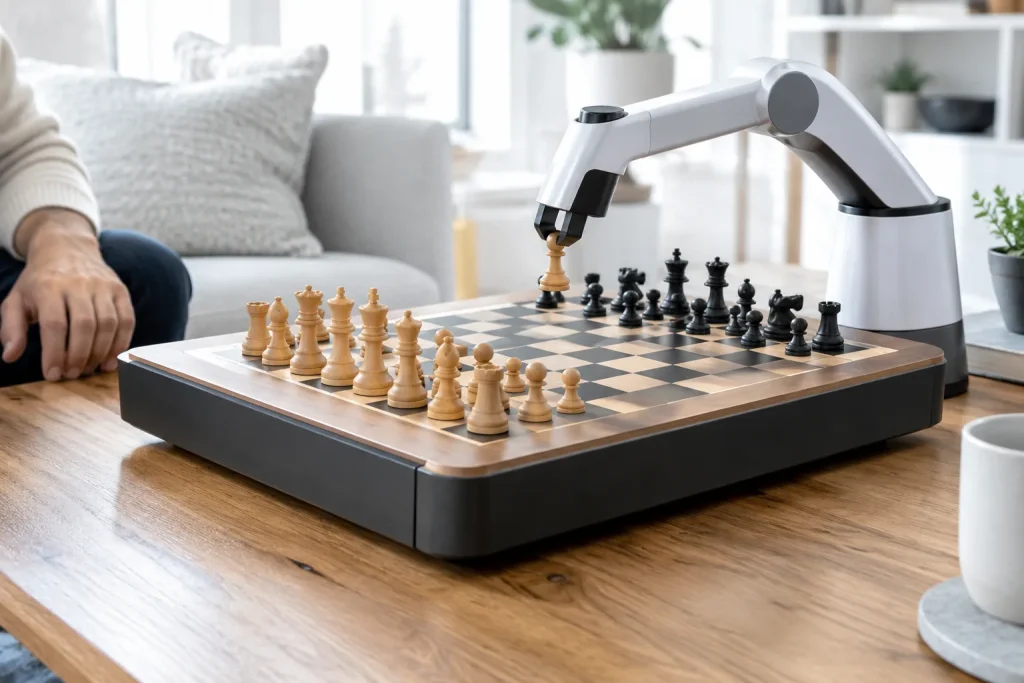 Robot kits & learningRobotic chess boards compared: Chessnut, SenseRobot, GoChess, Square Off (now Miko) and PhantomFive robotic chess boards from their makers' own pages: how the pieces move, AI levels, Chess.com and Lichess, battery, weight, size and…19 min read
More drawing robots
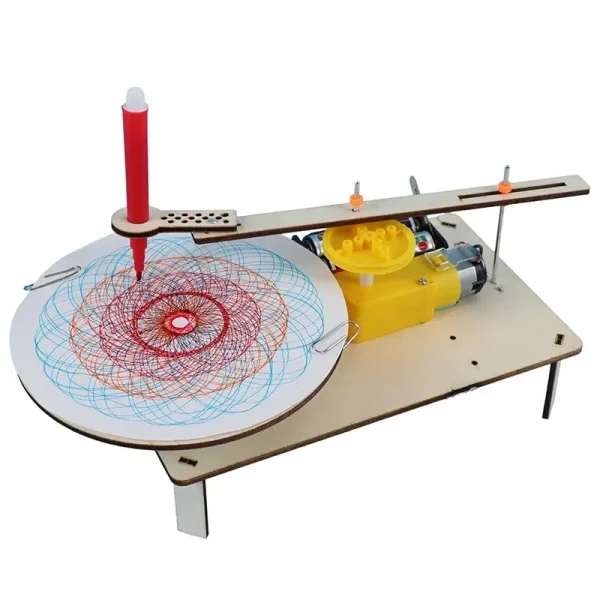
Wooden Electric Drawing Robot Kit for Hands-On STEM Building
Build a working electric plotter by hand
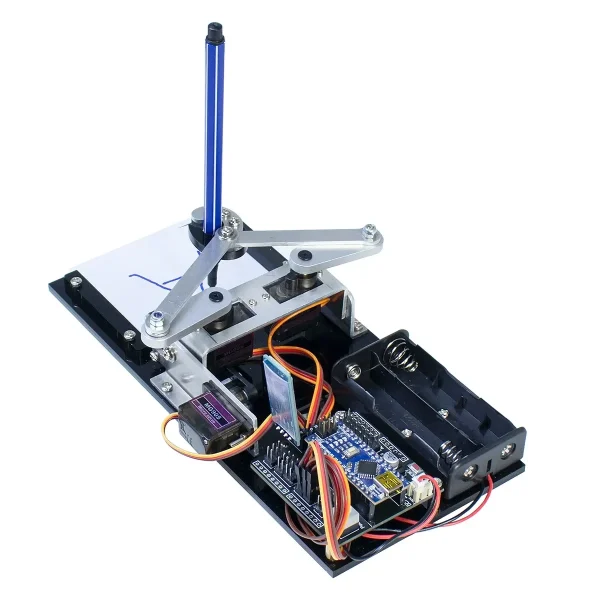
LAFVIN DIY Drawing Robot Pen Plotter Kit for Arduino Nano
Build a working pen plotter (drawbot) from a full set of parts
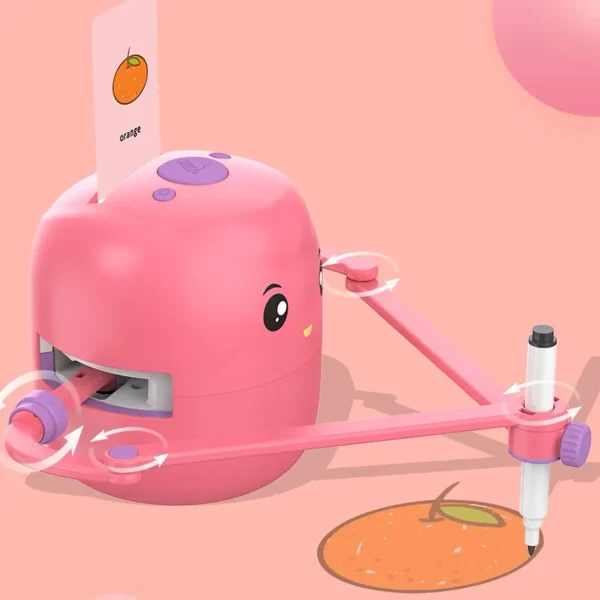
Interactive Drawing Robot for Kids, 2400mAh Capacity
Slot in a picture card and the pen arm draws it