ACEBOTT ESP32 Robot Arm Car Kit, 5-DOF Arm, Mecanum Wheels
A DIY robot car kit from ACEBOTT with four mecanum wheels and a 5-DOF robotic arm, run by an ESP32 board. Program it in Arduino, ACECode or Python. For students and STEM learners.
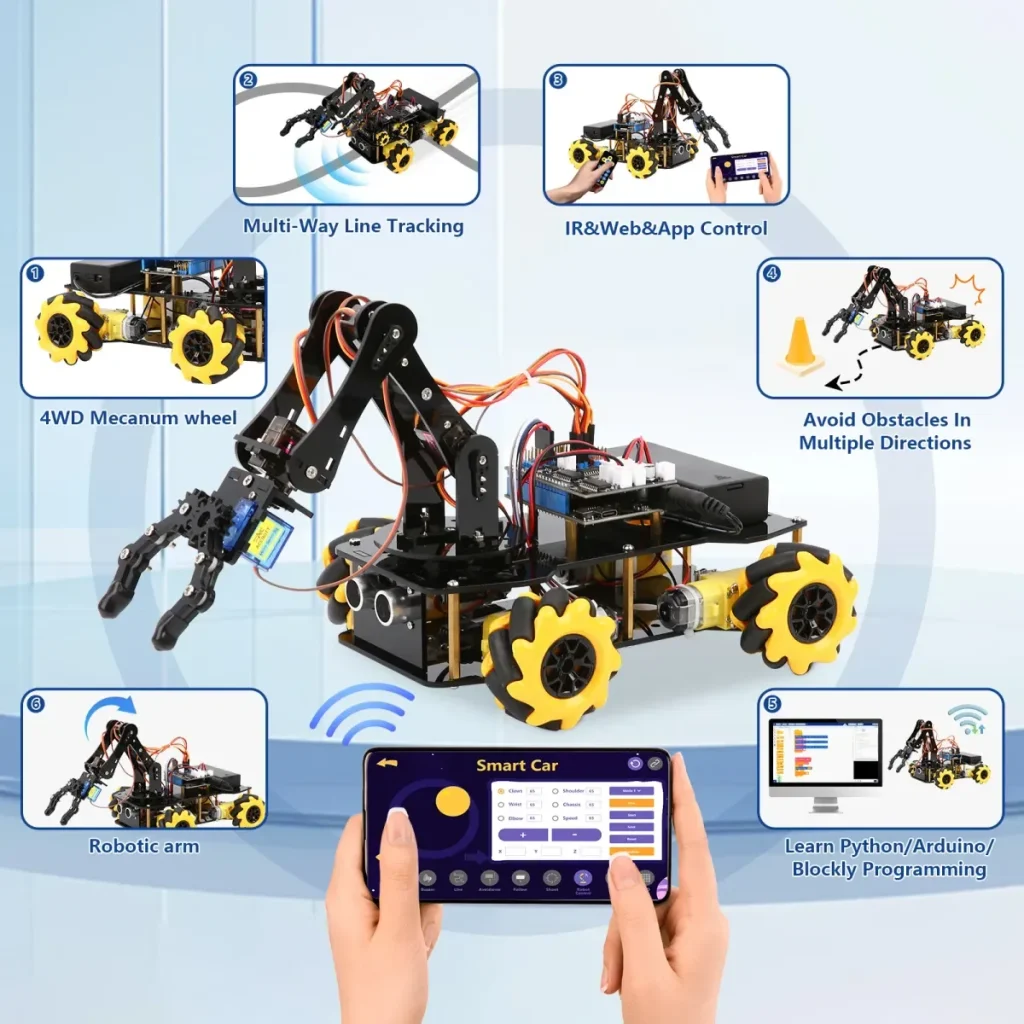
- 4WD car on mecanum wheels with a 5-DOF robotic arm and claw
- ESP32 controller, programmable in Arduino, ACECode or Python
- Line tracking and obstacle avoidance
- IR remote, web and app control
- DIY STEM kit with online tutorials
Specs
| Arm | 5 DOF with claw |
|---|---|
| Drive | 4WD, mecanum wheels |
| Controller | ESP32 |
| Programming | Arduino, ACECode, Python |
| Control | IR remote, web, app |
| Functions | Line tracking, obstacle avoidance, grab and carry |
| Format | DIY robot car kit |
| Use | STEM education |
Good to know
- Battery type, and whether batteries come in the box, aren't specified. Ask us before you order.
- The full parts list isn't confirmed; we can find out on request.
- No age range is given. Contact us if you're buying for a child.
This ACEBOTT kit builds a four-wheel-drive robot car with a 5-DOF robotic arm on top. It suits students, families and classrooms who want one STEM project that combines driving, grabbing and coding.
What it does
The car rides on four mecanum wheels and is run by an ESP32 controller board. It can follow a line and avoid obstacles in several directions. The arm and claw pick up, carry and place small objects, so you can set tasks such as moving a block from one spot to another. You can drive it with an IR remote, from a web page or from the app.
Building and programming
You assemble the car and the arm yourself, then program them. Three options are supported: the Arduino IDE, ACECode, a block-style coding platform, and Python. ACEBOTT’s online tutorials show how to build the robot and code each function step by step.
What you need
A computer for programming, and a phone or tablet if you want app control. The battery type, and whether batteries come in the box, aren’t specified, so ask us before you order. Plan some time for assembly.
Good to know
The full parts list isn’t confirmed. If you need it for a classroom order or a lesson plan, contact us first. No age range is given for this bundle, so check with us if you’re buying for a young child.
Questions
What can I program it with?
The Arduino IDE, ACECode or Python. The controller is an ESP32 board.
How do I control it?
It supports IR remote, web page and app control, or it can run your own programs.
Do I have to build it?
Yes. It's a DIY kit: you assemble the car and the arm, then program them.
Read before you buy
All guides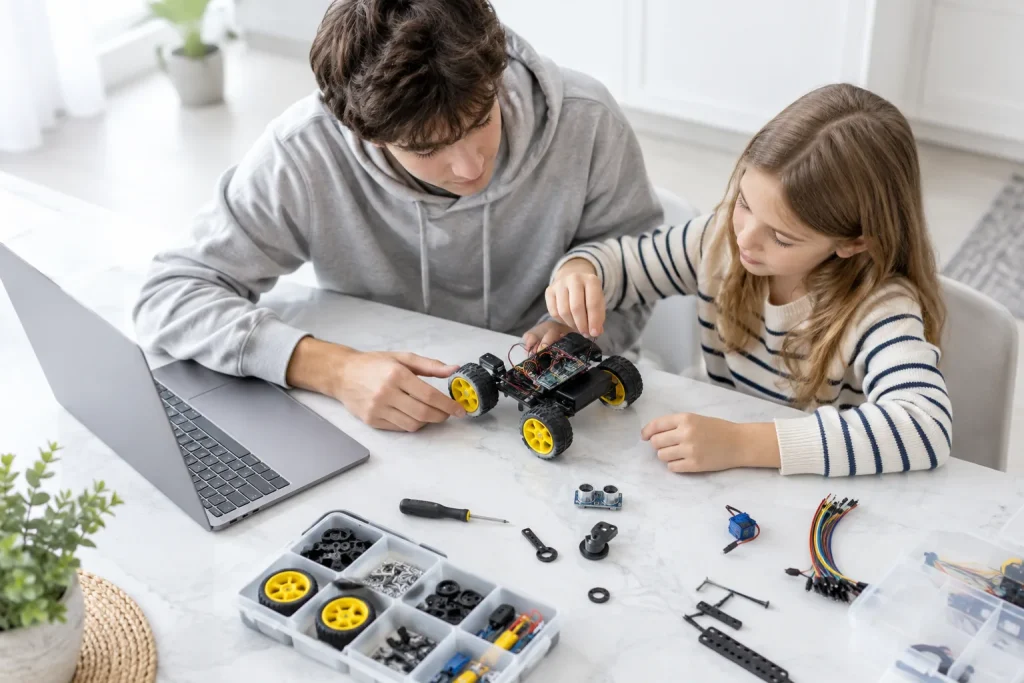 Robot kits & learningRobot kits by age: what each one teaches, what it can’t, and the total costRobot kits by age, from block coding to Raspberry Pi, ROS 2 and AI arms: what each teaches, what it can't, and…21 min read
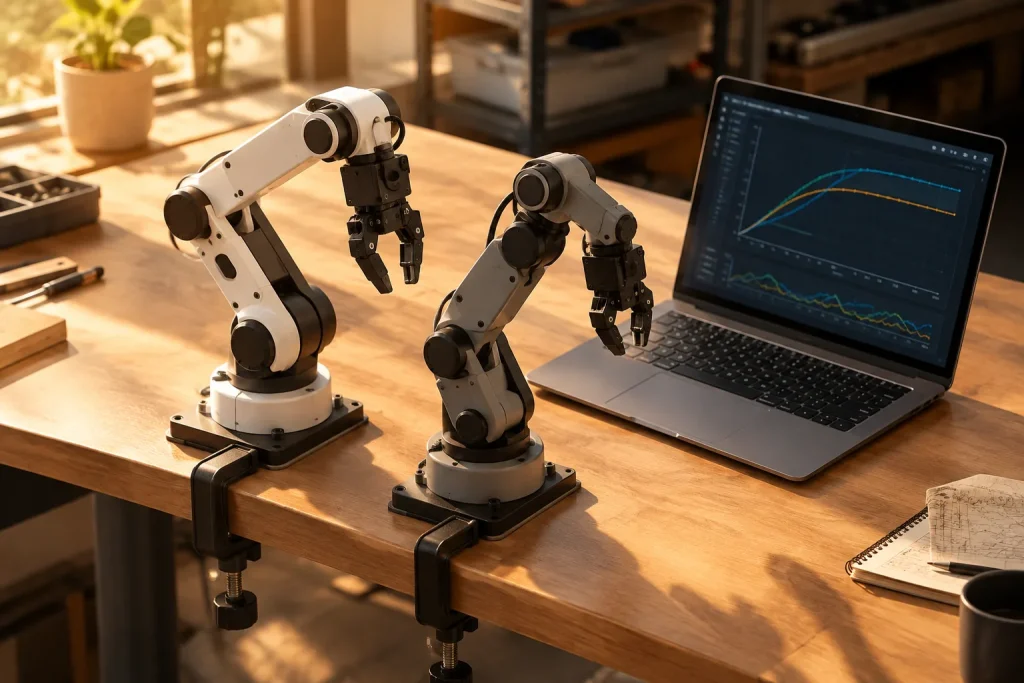 Robot kits & learningLeRobot SO-101: what it is, what it really costs, and what you need to train itThe LeRobot SO-101 arm, priced part by part: open-source BOM, Seeed and WowRobo kits, cameras, power and GPU or cloud training. Every…21 min read
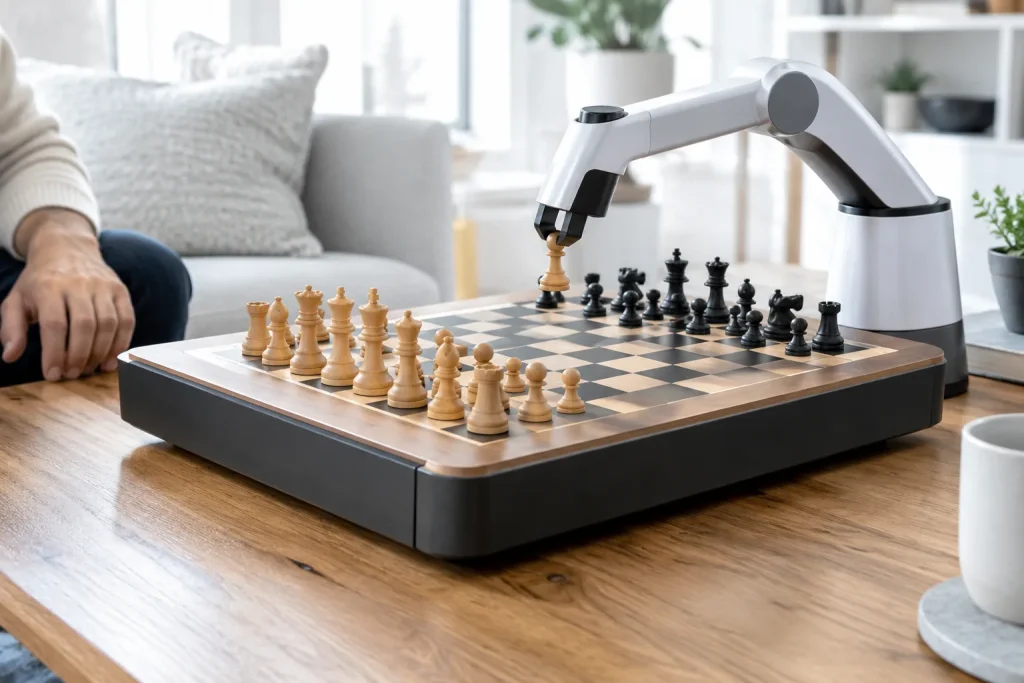 Robot kits & learningRobotic chess boards compared: Chessnut, SenseRobot, GoChess, Square Off (now Miko) and PhantomFive robotic chess boards from their makers' own pages: how the pieces move, AI levels, Chess.com and Lichess, battery, weight, size and…19 min read
More robot car kits
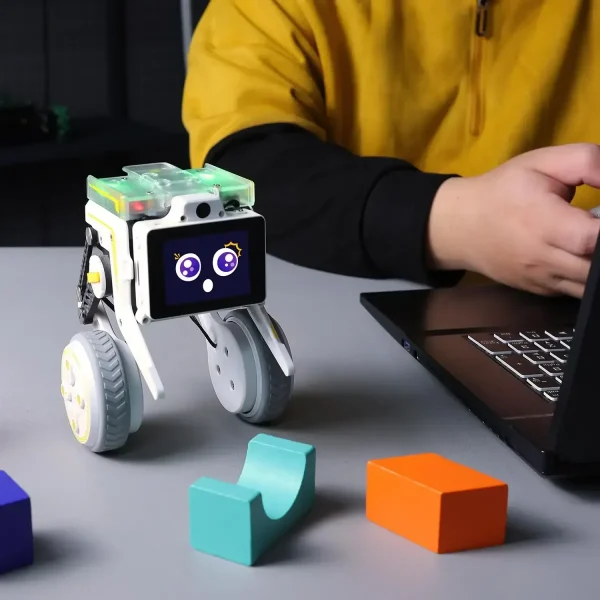
Rider-Pi Two-Wheel-Legged Robot Car, Raspberry Pi CM5
Raspberry Pi CM5 core module with 2GB memory, programmed in Python
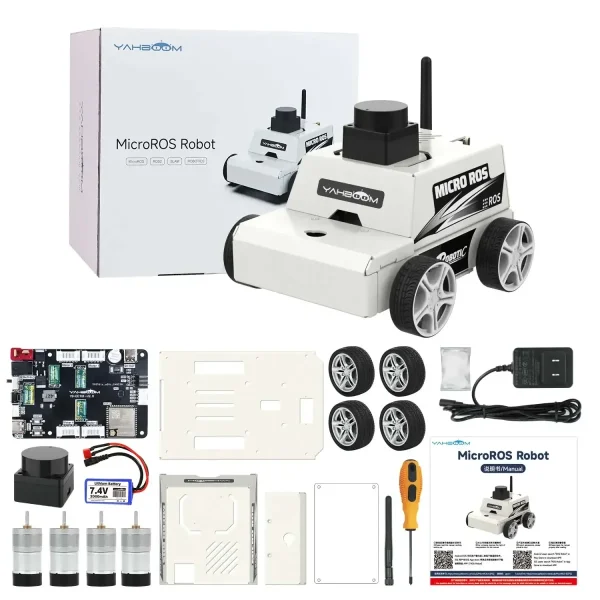
Yahboom MicroROS Robot Car with Lidar, ROS2 on a PC Virtual Machine
No onboard computer needed: ROS2 Humble runs in an Ubuntu 22.04 virtual machine on your PC
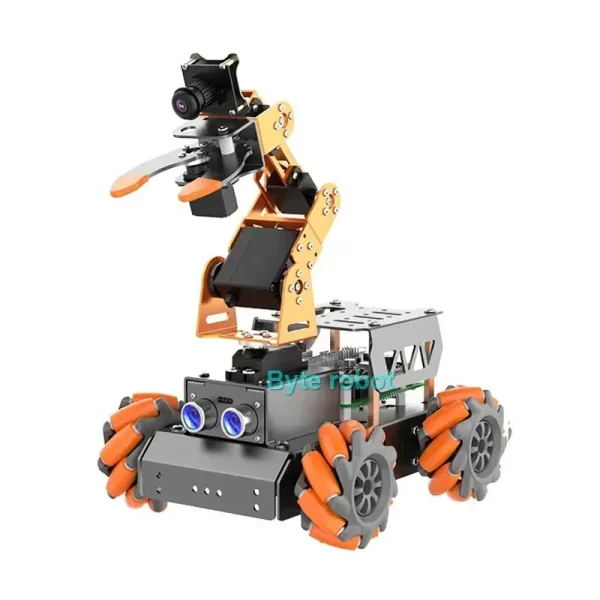
MasterPi Raspberry Pi Robot Car Kit with Arm and Mecanum Wheels
Mecanum wheels drive forward, sideways and diagonally, and spin in place
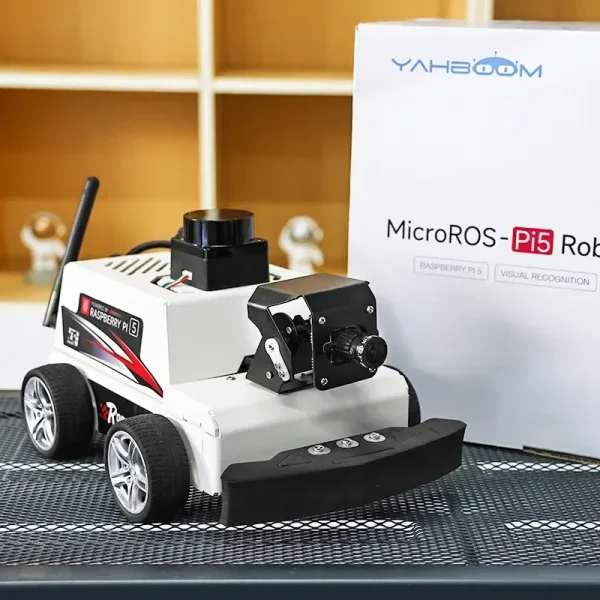
Yahboom MicroROS-Pi5 ROS2 Robot Car with Lidar for Raspberry Pi 5
MS200 360° lidar in every version, for SLAM mapping and navigation