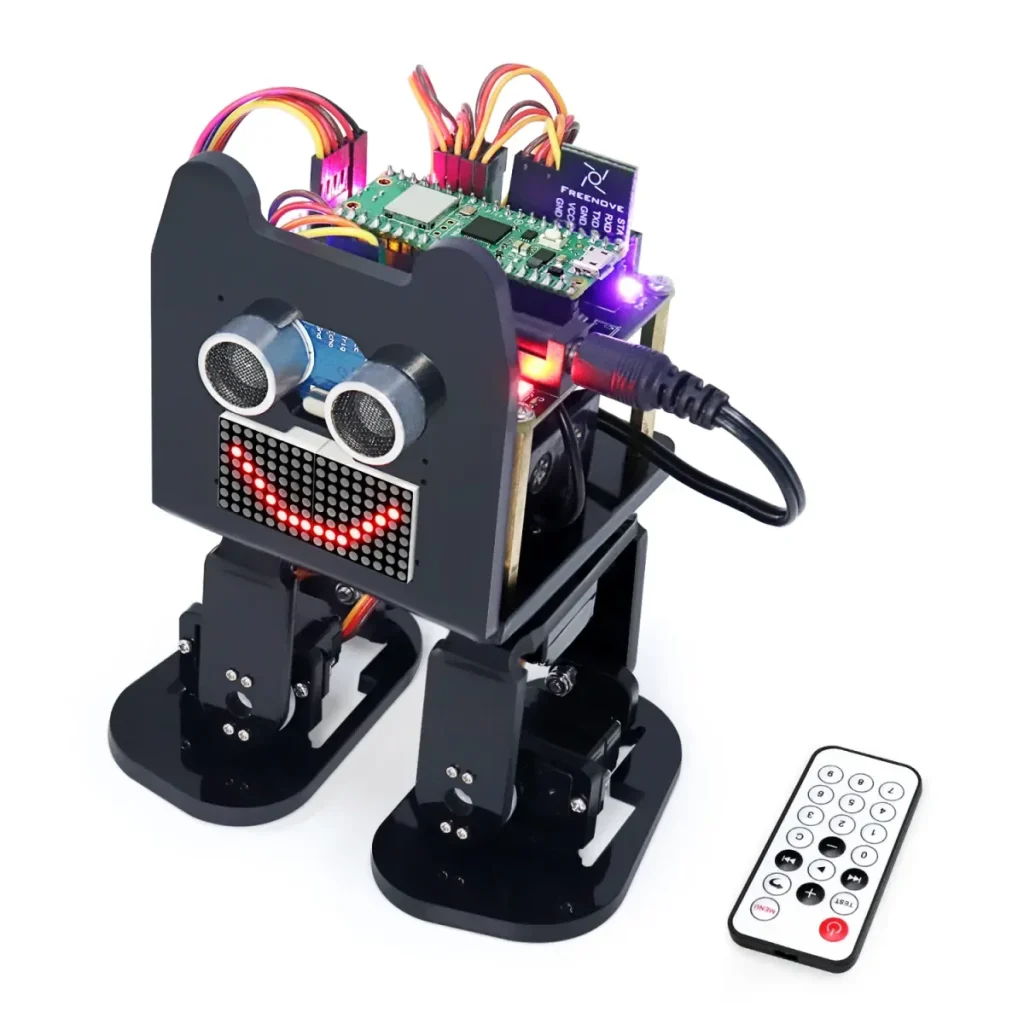
Freenove Bipedal Robot Kit for Raspberry Pi Pico, LED Matrix and App
A two-legged walking robot kit from Freenove for the Raspberry Pi Pico or Pico W, with an LED matrix face, ultrasonic obstacle avoidance and IR remote or app control. For makers and students.
- Two-legged robot driven by four servos; you assemble it yourself
- Runs on a Raspberry Pi Pico, Pico H, Pico W or Pico WH
- LED matrix expressions, RGB lights, buzzer and speaker
- Ultrasonic obstacle avoidance
- IR remote included; Freenove app for Android and iOS
Specs
| Form | Two-legged (biped) |
|---|---|
| Controller | Raspberry Pi Pico, Pico H, Pico W or Pico WH (board included per version) |
| Servos | 4 |
| Features | LED matrix, RGB lights, buzzer, speaker |
| Sensing | Ultrasonic obstacle avoidance |
| Control | IR remote (included); Freenove app, Android 5.0+ and iOS 10+ |
| Programming | Arduino IDE |
| Power | One 9V alkaline or NiMH battery (not included) |
| Input voltage | 7–9.5 V |
| Tutorial | Download, no printed copy |
| Assembly | Kit, you build it |
In the box
- Raspberry Pi Pico (W) robot shield
- Acrylic frame parts
- Machinery parts set (8 kinds of screws, nuts and standoffs)
- 4 servo packages
- LED dot matrix module
- Ultrasonic module
- Wireless module
- Speaker
- 9V battery holder
- IR remote
- 2 jumper wires, F/F (4-pin)
- Cross screwdrivers, 3 mm and 2 mm
- M3 spanner
- Cable tidy, 16 in (40 cm)
Good to know
- It won't run properly on 9V carbon or 9V lithium rechargeable batteries; use 9V alkaline or NiMH.
- A 9V battery isn't included. Plan to buy one before the build.
- The Pico W wireless tutorial chapter needs a Pico W board; the other chapters work with a standard Pico.
This Freenove kit builds a small two-legged robot around the Raspberry Pi Pico. It suits makers, students and hobbyists who want a first walking-robot build and a guided path into programming a microcontroller.
What it does
The robot walks, dances and plays music. Its LED matrix shows faces and patterns, and RGB lights, a buzzer and a speaker add sound and color. An ultrasonic module lets it spot and avoid obstacles. You can drive it with the included IR remote or with the Freenove app over the kit’s wireless module.
Building and programming
You assemble the acrylic frame, fit four servos for the legs, and plug the Pico into the robot shield. Freenove’s tutorial walks through each part in chapters: assembly, obstacle avoidance, singing and dancing, IR remote control and Bluetooth app control. The code is written in the Arduino IDE. The Pico covers every chapter except the Pico W wireless chapter.
What you need
A computer with the Arduino IDE, one 9V battery, and a Pico board if you choose the version without one. The app runs on Android 5.0 or later and iOS 10 or later. The tutorial and code are a free download; there is no printed manual.
Good to know
Fit the Pico in the right direction; plugging it in reversed can burn the board. Use a 9V alkaline or NiMH battery, because carbon and lithium 9V batteries can’t supply enough power.
Questions
Does it come with a battery?
No. It needs one 9V battery, alkaline or NiMH rechargeable. 9V carbon batteries and 9V rechargeable lithium batteries can't supply enough power.
Which version should I pick?
Choose No Pico board if you already own a Pico, Pico H, Pico W or Pico WH. The Pico version covers every tutorial chapter except the Pico W wireless chapter. The Pico W version covers them all.
How do I control it?
With the included IR remote, or with the Freenove app on Android 5.0+ or iOS 10+.
Is there a printed manual?
No. The tutorial and code are a free download from Freenove.
Read before you buy
All guides Robot kits & learningRobot kits by age: what each one teaches, what it can’t, and the total costRobot kits by age, from block coding to Raspberry Pi, ROS 2 and AI arms: what each teaches, what it can't, and…21 min read
 Robot kits & learningLeRobot SO-101: what it is, what it really costs, and what you need to train itThe LeRobot SO-101 arm, priced part by part: open-source BOM, Seeed and WowRobo kits, cameras, power and GPU or cloud training. Every…21 min read
 Robot kits & learningRobotic chess boards compared: Chessnut, SenseRobot, GoChess, Square Off (now Miko) and PhantomFive robotic chess boards from their makers' own pages: how the pieces move, AI levels, Chess.com and Lichess, battery, weight, size and…19 min read
More stem robot kits
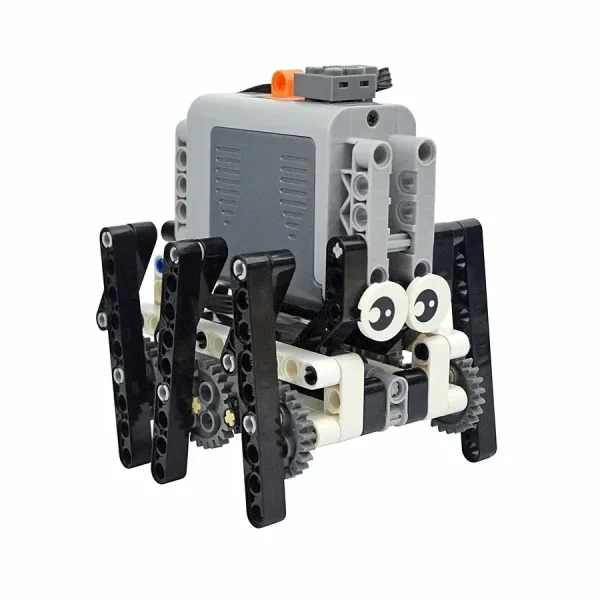
Walking Spider Robot Building Block Kit with Motor
Build a six-legged bionic spider from small plastic blocks
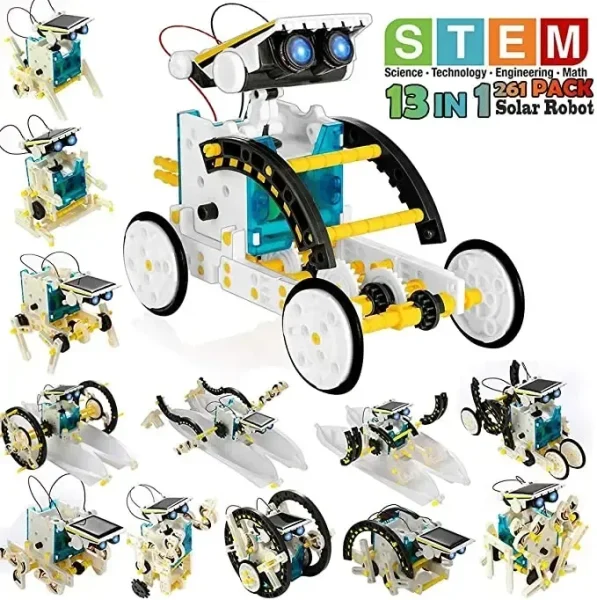
13-in-1 Solar Robot Kit for Kids, No Batteries Needed
Build 13 different robot designs from one kit
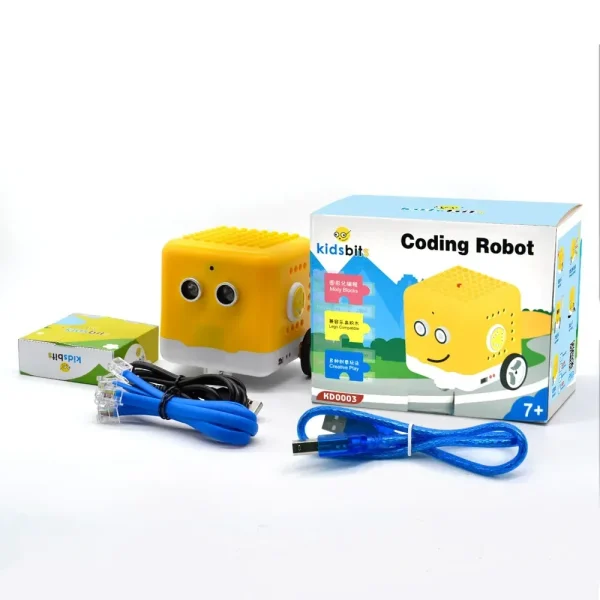
Kidsbits Coding Robot Kit with 28 Guided Projects
28 online projects: 14 graphical, 14 in C
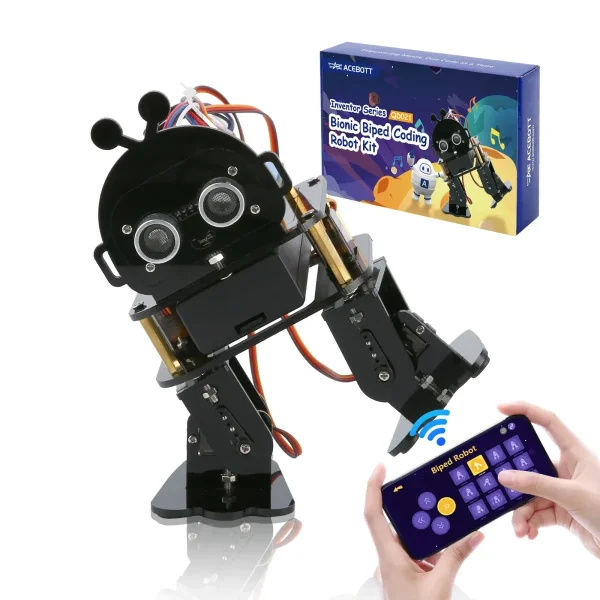
ACEBOTT Biped Robot Kit with ESP32, App and Block Coding
Two-legged robot with four MG90 metal-gear servos